Buying an AI search tool that submits updated pages to IndexNow automatically: what to check and what it costs
A buyer's guide to IndexNow in AI search software: submission triggers, CMS fit for WordPress, Shopify and Webflow, failure logs, measurement, and sourced prices.
IndexNow support has become a checkbox on SEO and GEO feature lists, and the checkbox hides a lot. The question a buyer should ask isn't "does it support IndexNow?" but "what sends the URL, and when?" The answers range from an agent that pings every article it publishes to a button you press yourself.
This guide sets out what to evaluate, what the options cost, and how to pick one for the CMS you run.
First, what IndexNow can and can't do for AI search
The protocol lets a site tell participating engines that a URL was added, updated or deleted. Without it, the IndexNow site says discovery can take days to weeks. The participant list in its searchengines.json file names Bing, Yandex, Seznam, Naver, Yep, the Internet Archive and Amazonbot. Google isn't a participant.

IndexNow.org home page, captured November 21, 2026. The page names Microsoft Bing, Naver, Seznam.cz, Yandex and Yep as supporters.
For AI search the participant that matters most is Bing. Bing Webmaster Tools has an AI Performance report, in public preview since February 10, 2026, that shows citation activity across Microsoft Copilot, AI-generated summaries in Bing and select partner AI integrations. So a faster Bing recrawl has a measurable place to show up.
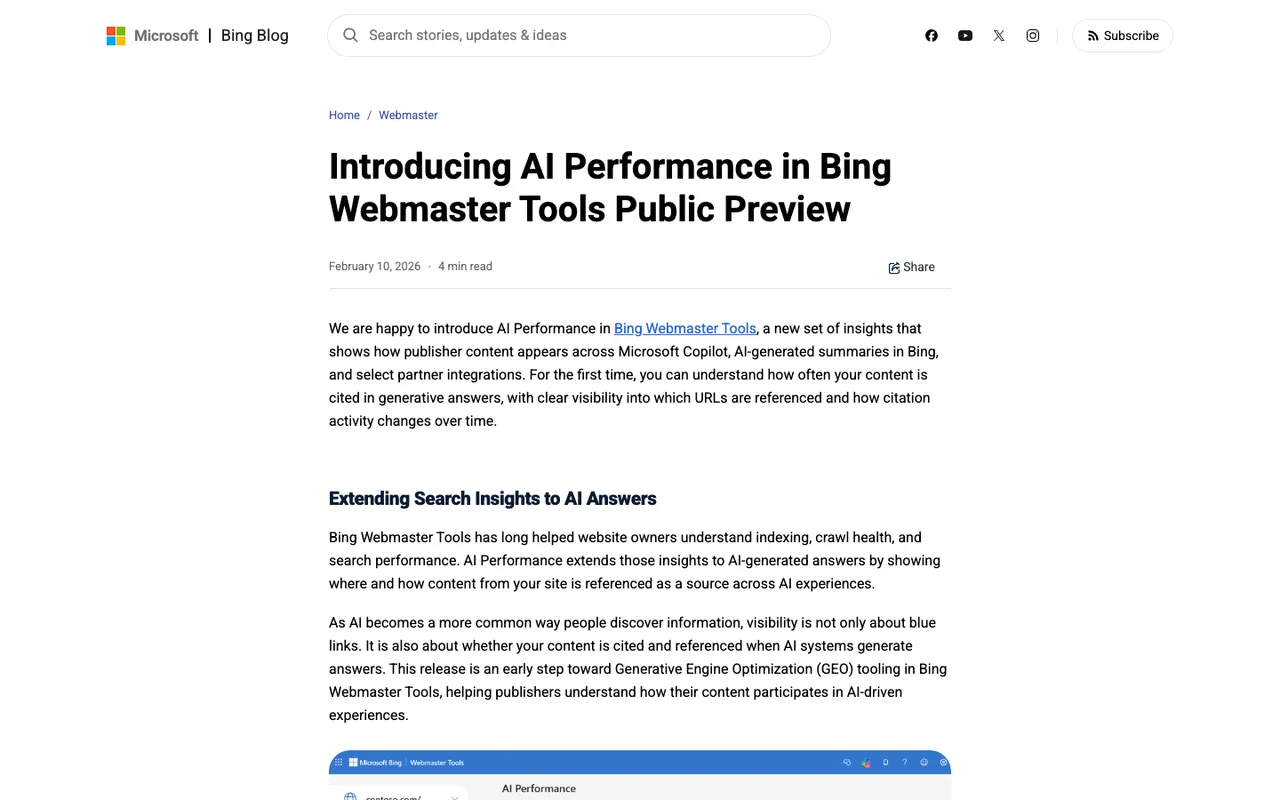
Bing Webmaster Blog, "Introducing AI Performance in Bing Webmaster Tools Public Preview", captured November 21, 2026.
What IndexNow doesn't do is guarantee anything. The documentation is explicit that each engine decides whether to index a URL. A tool that promises "instant AI visibility" from pings is overselling.
What to evaluate
The trigger
There are four patterns, from most to least automatic:
- On publish: the tool pings URLs it publishes itself. Clean, but it only covers pages the tool created.
- On change: the tool watches pages, notices edits and submits them. This is what most buyers picture.
- On request: you, or an agent you run, choose pages and submit.
- On a quota: a fixed number of pings a month, with the trigger left unclear.
Ask the vendor which one you're buying, in writing.
Change detection
Even if submission is manual, a tool that tells you which pages changed since you last sent them saves most of the work. Without it, someone has to keep a spreadsheet.
Logging
IndexNow returns status codes for a reason. 200 means received, 202 means the key is still being validated, 403 means an invalid key, 429 means too many requests. A tool that keeps each attempt and its failure reason will save you a debugging afternoon.
Measurement afterwards
A submission log proves the ping left. It doesn't prove anything changed in an answer. Look for a tool that can watch Copilot's answers and Bing data for the URL you just sent.
What each option costs
Prices come from our catalog entries.
| Tool | What it does with IndexNow | Starting price |
|---|---|---|
| Promptwatch | Change detection, one-click submit and resubmit, attempt log with failure reasons | Essential $95/mo; IndexNow plan not stated |
| Sight AI | Automated indexing via IndexNow for articles it publishes | Starter $99/mo (credits) |
| Surfient | IndexNow pings for Shopify stores | Free (50 pings/mo); Premium $39/mo (5,000) |
| LLMagnet | IndexNow listed in its WordPress plugin features | WordPress plans priced per user; Shopify app has a free tier |
| SEO MCP | Four IndexNow tools your own agent can call | Free (50 calls/mo); Pro adds 5,000 calls/mo |
On Promptwatch, the setup is a key under Project settings > IndexNow, generated or pasted from your site, then verified. The Site > IndexNow screen filters pages by All, Changed since submission, Never submitted and Failed. "Changed since submission" lists pages Promptwatch's crawler saw change after you last sent them, and both the page details and the editor's publication card carry a submit or resubmit button. The changelog doesn't describe automatic submission, so plan on a person or a scheduled review doing the sending.
How to choose by CMS
WordPress
Promptwatch's official WordPress plugin connects with a site URL and a sync token, captures crawler logs and visitor analytics, and receives drafts or live posts from the content editor. LLMagnet lists IndexNow in its plugin. Sight AI publishes articles to WordPress and indexes them itself.
Shopify
Surfient is built for Shopify and includes a ping allowance. Sight AI publishes to Shopify too. Promptwatch's CMS publishing covers WordPress, Webflow and Framer rather than Shopify, but it supports Shopify crawler logs through a guided Cloudflare setup, so you can still see which AI bots read your product pages.
Webflow
Promptwatch publishes to Webflow through OAuth with field mapping, and live publishing pushes just that item without a site-wide rebuild. After it goes live, the publication card is where you send it to IndexNow. Sight AI also publishes to Webflow.
Whatever you run, check your CMS's own documentation for built-in IndexNow support too. Our sources don't cover native CMS features.
Our recommendation
If you want IndexNow to be one step in a loop that also tells you whether AI answers changed, buy for change detection and measurement, not for the word "automatic". Promptwatch is the strongest fit we've priced: it finds the pages that changed, logs every attempt, and then tracks Copilot answers and Bing data for those URLs. Book a demo if you want to see the IndexNow screen against your own sitemap before starting a trial.