Best AEO reporting software (2026)
AEO reporting software compared on what reaches the people who read the report: PDFs, scheduled sends, exports, Looker Studio, white label and metric definitions.
AEO reporting fails in a predictable way. The tool has the data, but the person who needs it never opens the tool. The CMO wants a page in the monthly deck. The client wants a PDF on the first of the month. The analyst wants a CSV or a Looker Studio source to blend with paid and web data. If getting any of those means a specialist taking screenshots, the reporting will stop the first time that specialist is busy.
This guide compares AEO software on reporting: what you can export, what can be scheduled, how it connects to BI, whether it can carry your brand, and whether the numbers are defined well enough to defend in a meeting. Competitor details come from our directory. Promptwatch details come from its plan matrix and changelog through November 13, 2026.
What good AEO reporting needs
- Metrics with published definitions. If nobody can say how the visibility score is calculated, the first tough question in a review ends the discussion.
- A PDF of the view you already use. Not a separate report builder with different numbers.
- Schedules. Weekly to the team, monthly to leadership or clients, without anyone pressing a button.
- Raw exports. CSV or Excel with the columns you pick, for analysts.
- A BI connector or API. So AI visibility can sit next to paid search, web analytics and revenue.
- Branding where needed. Agencies often want their own logo on client reports.
Start with definitions
Reporting is only as good as its metrics. Promptwatch publishes its definitions in its Academy. The Visibility Score, from 0 to 100, scores each response on placement, share of attention and depth, then averages them, with answers that do not mention you counted as zero.
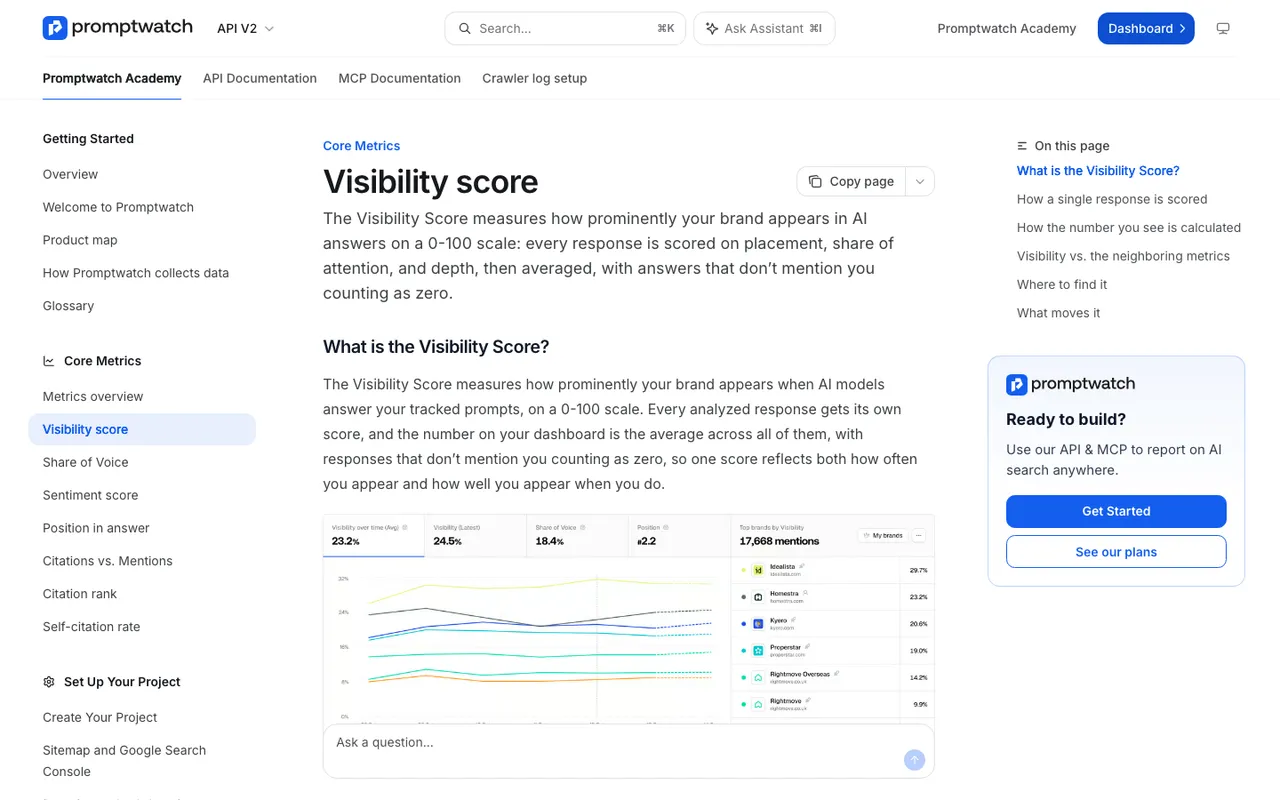 The Promptwatch Academy page "Visibility score", captured November 14, 2026.
The other three headline metrics are defined just as plainly. Share of Voice is your slice of all brand mentions in the current filters, one mention per response per brand. Position is where you land in the order of brands within an answer, averaged across answers that mention you, so lower is better. Sentiment is scored up to 100, where about 50 is neutral.
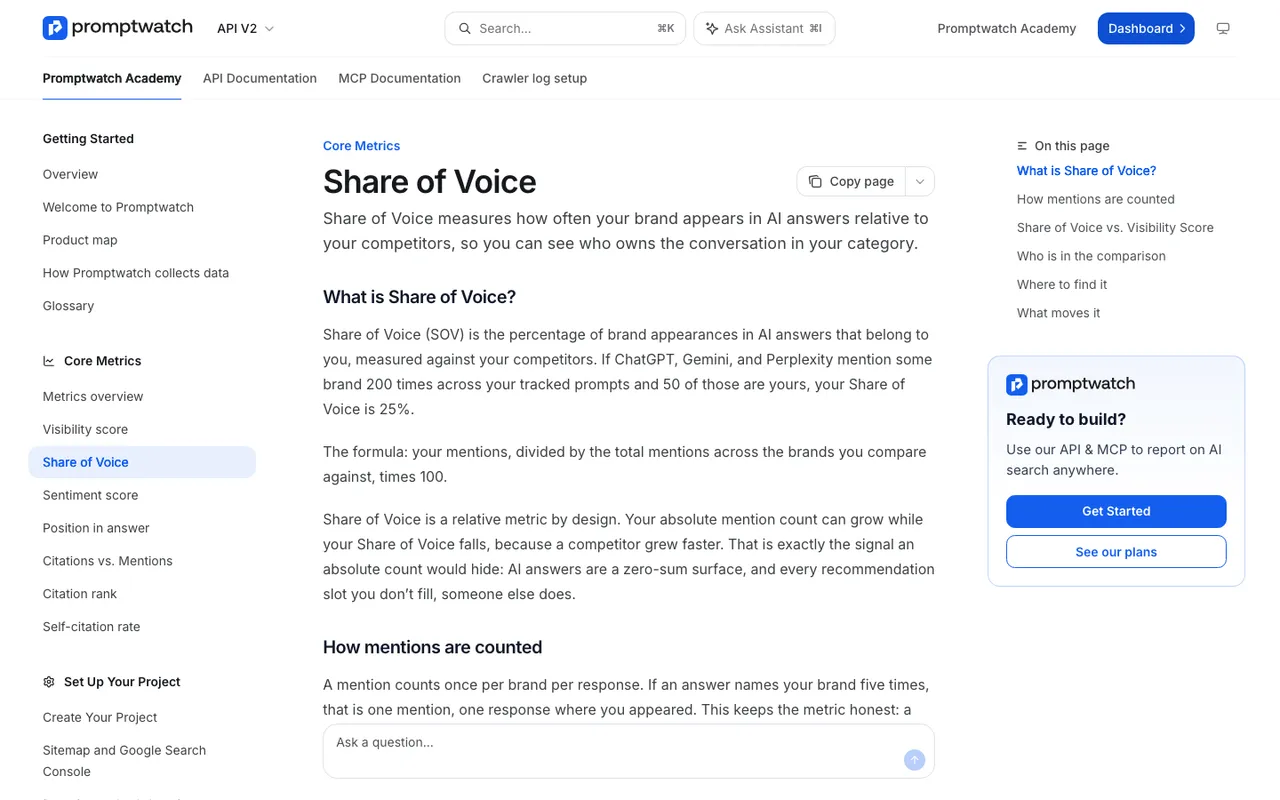 The Promptwatch Academy page "Share of Voice", captured November 14, 2026.
Those definitions are what let you answer "why did the score drop" with something better than a shrug. Ask every vendor on your list for the equivalent page.
1. Promptwatch
Best for: brands and agencies that want reports to leave the tool on a schedule, in several formats, from the same numbers the team sees.
PDF of any dashboard. Any Promptwatch dashboard can be exported as a PDF, filtered by monitor, model, prompt type or topic, with nine printable widgets and a live preview. Custom dashboards come from four templates (competitor comparison, topic gaps, AI model breakdown, citations) or from a plain request to Agent Chat.
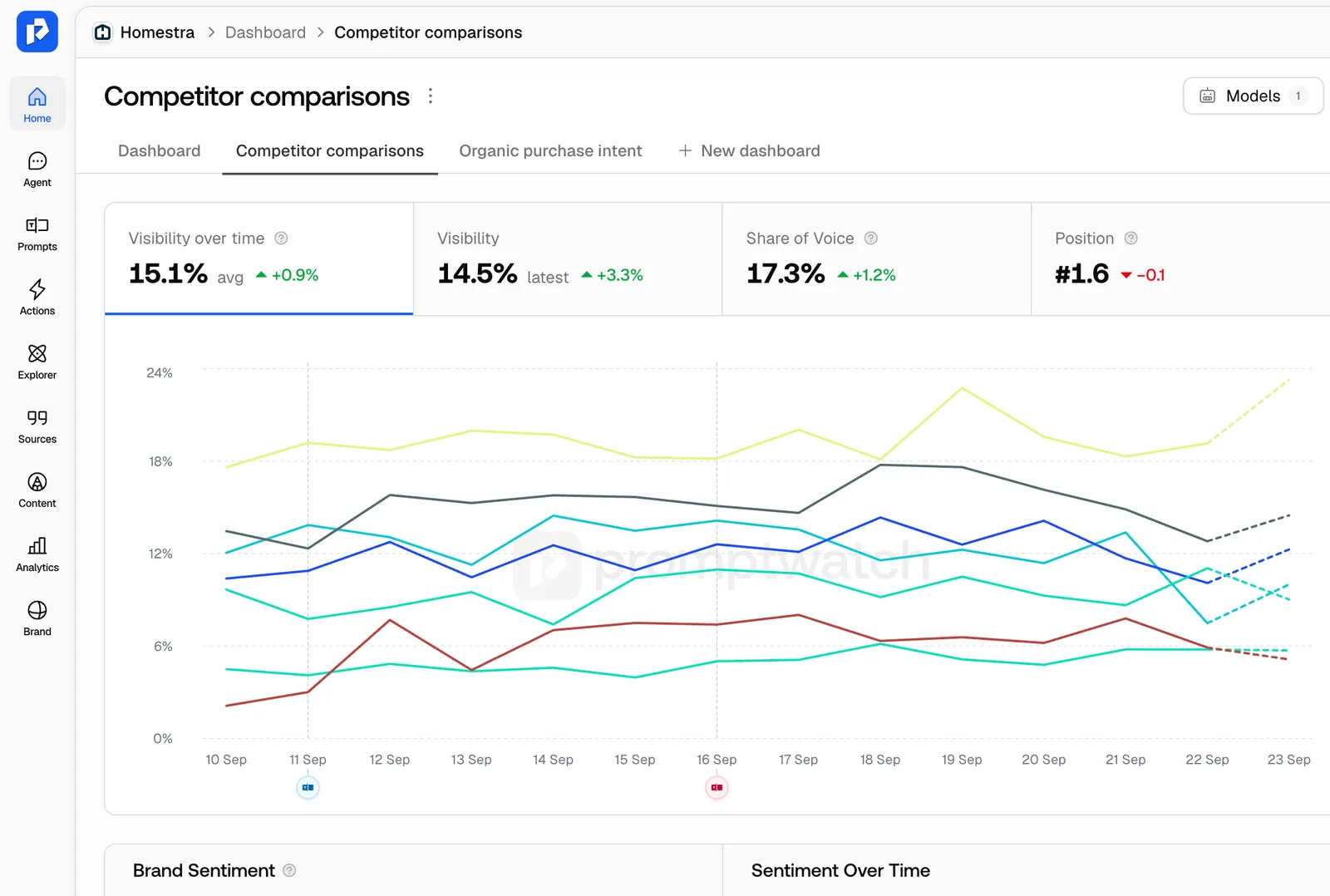 A saved Promptwatch custom dashboard, from the custom dashboards entry in the Promptwatch changelog. Example project data.
Schedules. Every brand plan includes 10 scheduled PDF reports and 10 scheduled chats. A scheduled custom dashboard follows its widgets and name as they change, so the report never goes stale. Since November 13, each project also has fixed Sentiment and Citations tabs next to the main dashboard. A scheduled report can follow any of the three and is titled with that tab's name. Scheduled chats run an Agent Chat skill and post the answer in the app or in Slack, which works well for a weekly written briefing.
Exports. Excel and CSV exports come with a column picker, covering prompts, responses with brand positions, citations, crawler data, offsite mentions, content gaps, query fan-outs, and Reddit, YouTube, LinkedIn and Instagram citations. Since November 2 the responses export lists each brand mention with its position, like Acme (1), Globex (2).
BI and API. Custom reports and the Looker Studio connector with templates start on Professional ($245) and are on every agency plan. The REST API and the hosted MCP server are on every paid brand plan, with date ranges up to 92 days, so you can pull data into your own warehouse or have an AI assistant build a report.
Search data in the same report. 360 Insights, on every brand plan, includes Search Insights, which overlays Google Search Console and Bing Webmaster clicks and impressions on AI crawls, citations and clicks per page. That is the slide that shows leadership how classic search and AI search move together.
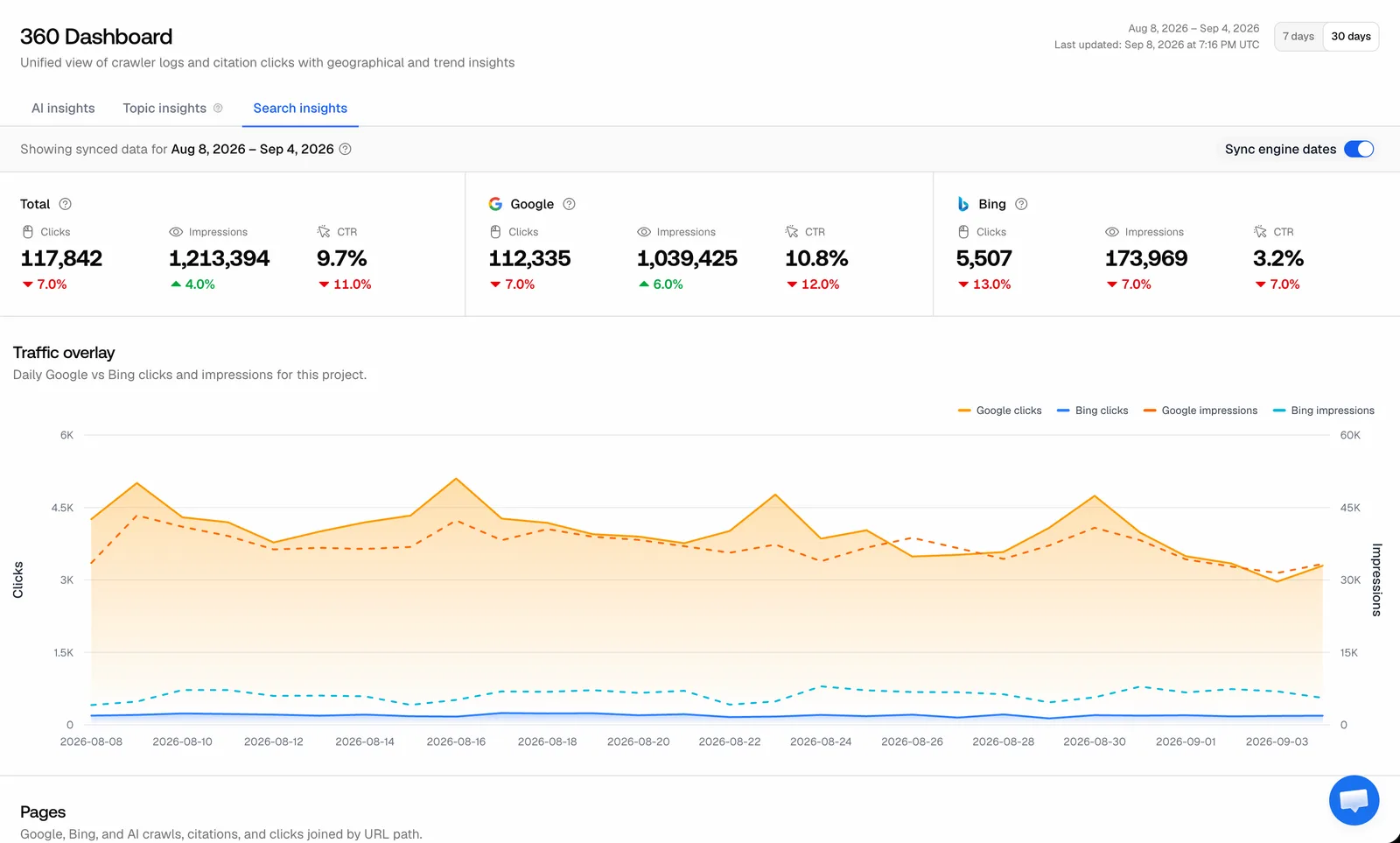 Promptwatch 360 Dashboard Search insights, from the Search insights entry in the Promptwatch changelog. Example project data.
White label. White-label PDFs, a white-label dashboard and a client portal are on Enterprise and Partner plans only. The self-serve agency plans (Kick-off $199, Growth $399, Scale $799) do not include white label. Agency plans do include AI Visibility Reports: PDF reports on any website showing how ChatGPT, Gemini and Google AI Mode answer about it, ready in about five minutes, with 20 a month on Kick-off, 40 on Growth and 60 on Scale.
Correctness. One more reason to read a vendor's changelog: Promptwatch's November 13 fixes changed two reported numbers. Monitor comparisons now measure the selected range against a previous period of the same length (Last 14 days used to be compared with 15 days), and exported citation positions were one too high before. If you reported period-over-period changes from Promptwatch before mid-November, re-run them.
2. AthenaHQ
Best for: teams that mostly report inside the tool.
AthenaHQ Starter ($295 a month) includes CSV export. The executive dashboard with BI tool support is on Enterprise, per its pricing page. Its GEO score gives leadership one number, but our entry does not document scheduled PDF reports.
3. Scrunch AI
Best for: teams that are comfortable building charts themselves.
Scrunch AI Core is $250 a month. Our entry records weak reporting as the top G2 complaint, with users exporting to Excel to build client charts. Looker Studio access is on Enterprise.
4. DemandSphere
Best for: SEO teams that report AI answers next to SERP data.
DemandSphere Pro ($208 a month billed annually, $250 monthly) adds Data Studio templates and scheduled reports. Every plan includes API access, Search Console, GA4, Google Drive and Slack. Prompts and keywords share one daily budget.
5. Rankscale
Best for: small teams that want a Looker Studio source at a low price.
Rankscale includes Looker Studio on Pro ($99 a month). Our entry notes there is no PDF report export, which is a real gap for anyone sending reports to clients, and that white label and API are on Growth ($385).
6. LLM Pulse
Best for: budget teams that can wait until a larger plan for BI.
LLM Pulse puts the Looker Studio connector, API and CLI on Scale (€299 a month at weekly cadence). White label is on Enterprise.
Others
SE Ranking lists white-label agency reporting as part of the suite, with AI tracking as an add-on. Ahrefs Brand Radar has no white-label or per-client structure, per our entry. Frase lists client-ready reports on Scale and white-label reports on Enterprise. Local Falcon connects to Looker Studio for local AI scans.
Side by side
| Tool | PDF reports | Scheduled sends | Exports | BI connector | White label |
|---|---|---|---|---|---|
| Promptwatch | Any dashboard | 10 PDFs and 10 chats per brand plan | Excel/CSV, column picker | Looker Studio from Professional; API, MCP | Enterprise and Partner |
| AthenaHQ | Not listed | Not listed | CSV on Starter | BI dashboard on Enterprise | Not listed |
| Scrunch AI | Not listed | Not listed | Excel workarounds | Looker Studio on Enterprise | Not listed |
| DemandSphere | Not listed | On Pro | API | Data Studio templates on Pro | Not listed |
| Rankscale | None | Not listed | Not listed | Looker Studio on Pro | From Growth |
| LLM Pulse | Not listed | Not listed | Not listed | Looker Studio on Scale | Enterprise |
A reporting setup that runs itself
- Agree on two headline metrics with the people who read the report, for example Visibility Score and Share of Voice, and link the definitions in the first report.
- Build one leadership dashboard and one working dashboard. Keep the leadership one short.
- Schedule the leadership dashboard as a monthly PDF and the Citations tab as a weekly one for the content team.
- Set a scheduled chat to post a weekly written summary in Slack.
- Connect Looker Studio or the API for the analyst who blends channels.
- Recheck any period comparisons after vendor fixes like the November 13 change.
Who should pick which
- You want PDFs, schedules, exports and BI from one set of numbers: Promptwatch, Professional or above for Looker Studio and custom reports.
- You report SERP and AI answers together: DemandSphere.
- You need a cheap Looker Studio source: Rankscale Pro, without PDFs.
- You need branded client reports today: Promptwatch Enterprise or Partner, or check SE Ranking's white-label reporting.
For agency-specific tool picks, see best AEO tools for agencies.
The recommendation
Good AEO reporting is a delivery problem more than a data problem. Promptwatch is the platform here that publishes its metric definitions and then gets the numbers out in every form people actually read: PDFs of real dashboards, schedules that follow those dashboards, Slack briefings, column-picked exports, Looker Studio and an API. Start a 7-day trial on Professional from the Promptwatch pricing page, build one leadership dashboard, and schedule it before the trial ends.