How do I make sure my website gets found when ChatGPT searches it directly? What to check and which tools to buy
A buyer's guide to making sure your website gets found when ChatGPT searches it directly: the free fixes first, then what crawler and visibility tools cost.
Most of the work here is free. Getting found by ChatGPT search starts with a robots.txt rule and a firewall setting, and no software purchase replaces those. Where tools earn their price is in the next step: proving that OpenAI's crawler actually reaches your pages, seeing whether those pages get cited, and catching it when something breaks. This guide covers the free fixes first, then what to evaluate before you pay for anything.
The free fixes, from OpenAI's own documentation
OpenAI's Help Center article on ChatGPT search spells out eligibility in one sentence: allow OAI-SearchBot to crawl the site, and confirm that your host or CDN allows traffic from OpenAI's published search bot IP addresses. It adds that ChatGPT ranks results on multiple factors and placement is not guaranteed.
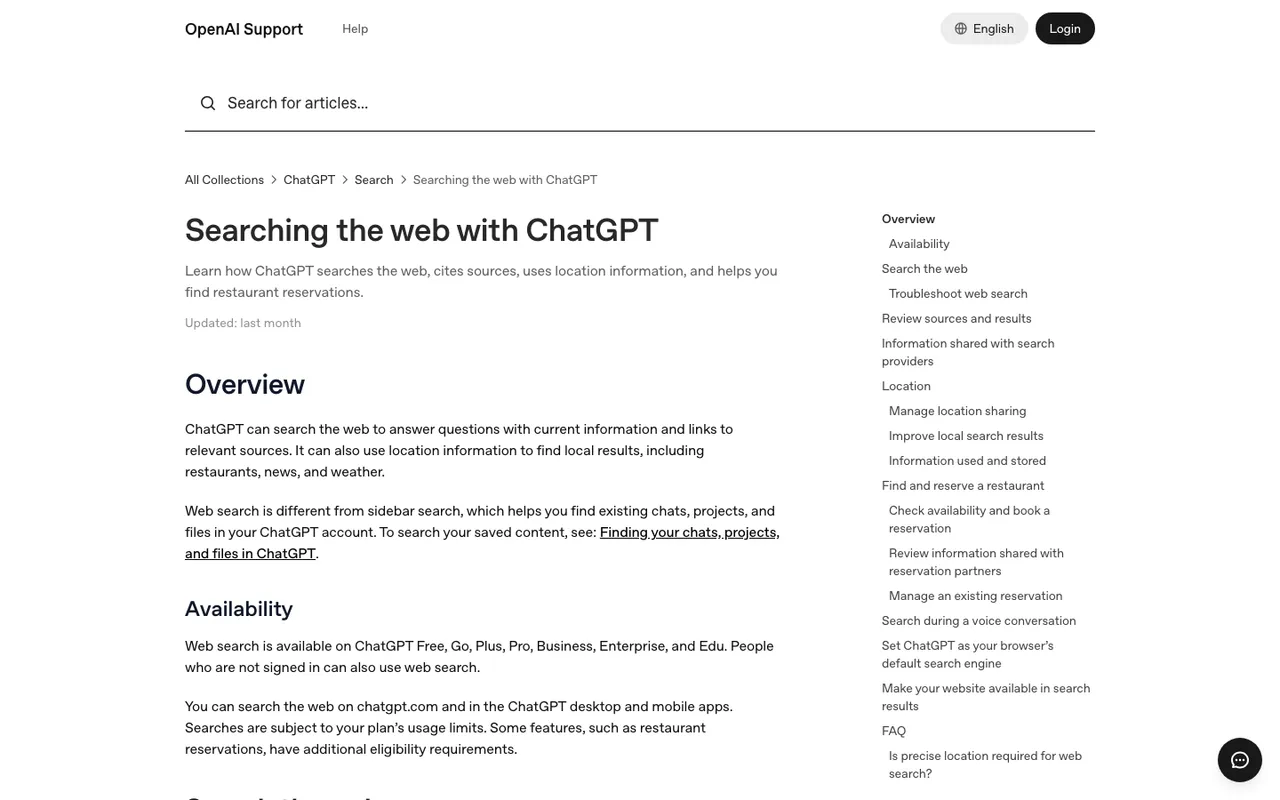
OpenAI Help Center, "Searching the web with ChatGPT", captured November 21, 2026.
The crawler overview fills in the rest:
- OAI-SearchBot and GPTBot have separate robots.txt settings. Allowing the first keeps you eligible for search; blocking the second signals you don't want content used for training. Neither affects the other.
- Opting out of OAI-SearchBot keeps you out of ChatGPT search answers, apart from navigational links.
- robots.txt changes take around 24 hours to reach search results.
- ChatGPT-User, the agent that visits a page when a user asks about it, is user-initiated, may not follow robots.txt, and doesn't decide search inclusion.
Two more points from OpenAI's publisher FAQ (in an archived copy from October 4, 2026): any public website can appear in ChatGPT search, and ChatGPT tags referral links with utm_source=chatgpt.com. If a page should stay out entirely, use a noindex tag rather than relying on a robots.txt disallow, since a disallowed URL can still surface as a bare link and title.
ChatGPT search also leans on partner search providers, rewriting questions into targeted queries; OpenAI links Microsoft's and Shopify's privacy policies. So keeping your important pages indexed in Bing, and pinging changes through IndexNow (Bing participates; Google does not), is cheap insurance.
What to evaluate in a paid tool
Does it verify the bot, or just read the user agent?
Anyone can send a request that calls itself OAI-SearchBot. A useful log tool checks the source IP against OpenAI's published ranges. Ask how each vendor identifies bots.
Does it cover the OpenAI agents that matter here?
You want OAI-SearchBot (search indexing), ChatGPT-User (live fetches for a user) and GPTBot (training) as separate lines, because they mean different things.
Does it connect a crawl to a citation?
A crawl is not a citation. The view worth paying for shows which pages OpenAI fetched and which of those ChatGPT then cited, so you can tell an access problem from a content problem.
Does it show what ChatGPT searched for?
Promptwatch's data report on site: fanouts found that on August 8, 2026, the share of ChatGPT fanout queries scoped to one domain jumped from 0.37% to 16.8%. A tool that shows the actual sub-queries tells you when ChatGPT is looking inside your site, and for what.
Does it count the traffic?
ChatGPT stopped passing a referrer on October 8, 2026 (Promptwatch's changelog), so attribution needs to read the UTM tag.
What the options cost
Promptwatch. Agent Analytics records IP-verified AI crawler visits, including OAI-SearchBot, ChatGPT-User and GPTBot, with error tracking, a crawl-to-citation path, and a citation rate per page. Crawler logs start on Professional at $245 a month (Essential at $95 has none). Alongside the logs, Promptwatch offers prompt tracking on ChatGPT's live interface, query fan-outs with the exact sub-queries, weekly site audits with crawlability checks, IndexNow submission, and visitor analytics with an "Include ChatGPT UTM referrers" toggle. Log sources include Cloudflare, CloudFront, Fastly, Vercel, Netlify, Akamai and the WordPress plugin. 7-day free trial on monthly billing.
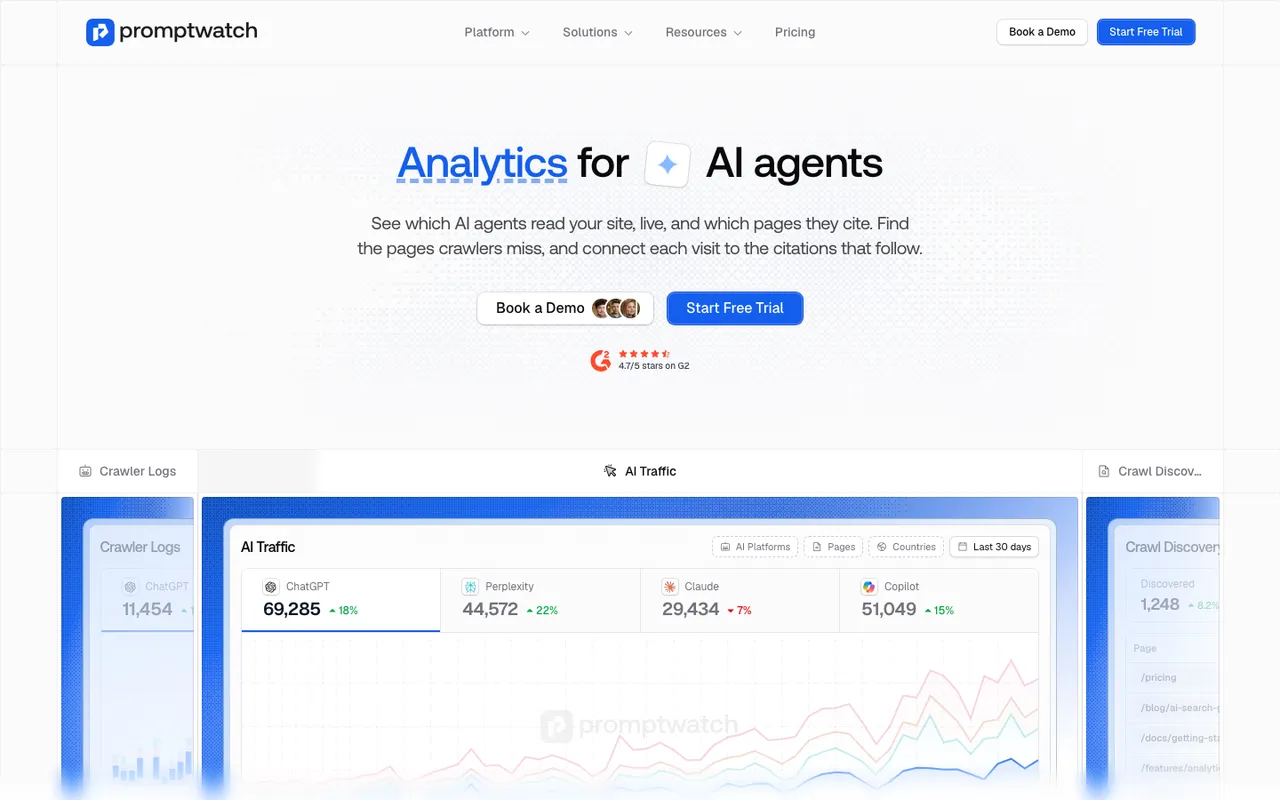
Promptwatch "Analytics for AI agents" feature page, captured November 8, 2026.
Cloudflare AI Crawl Control. Included free on every Cloudflare plan, with referral data on paid plans (Pro from $20 a month). Shows AI crawler requests, status codes, popular paths and robots.txt violations, and lets you allow or block each crawler. On Free it identifies crawlers by user agent only. It doesn't run prompts or report citations, so it answers "did the bot come?" but not "did ChatGPT cite me?".
Scrunch AI. Core at $250 a month includes AI agent and bot traffic reporting alongside monitoring of ChatGPT, Perplexity, AI Overviews and Copilot.
Ahrefs Brand Radar. Reports AI crawler activity inside Ahrefs; Custom Prompts come with paid Ahrefs plans, and the AI Visibility Index starts at $199 a month.
Profound. Lists Agent Analytics next to its marketing agents; Enterprise is custom, around $40k a year by our catalog's estimate.
How to choose
If you're on Cloudflare and only need to confirm the bot can get in, start with AI Crawl Control. It costs nothing. Once the question becomes whether those crawls turn into citations and visits, you need prompt tracking and crawler logs in one place, and that's where Promptwatch is the one to evaluate first. Professional is the entry point for crawler logs.
Before buying anything, run Promptwatch's free AI Visibility Report. It reads your robots.txt and checks how AI engines answer about you, which tells you within minutes whether you have an access problem at all.