Best AI visibility platform with an MCP server: a buyer's guide
How to evaluate an AI visibility platform's MCP server before you buy: data depth, write access, rate limits, plan gating, and what each sourced option costs.
Picture the Monday routine you are trying to kill. Someone exports prompt results, pastes them into a spreadsheet, adds last week's citations by hand and writes three paragraphs for leadership. An MCP server is supposed to replace that with one question typed into Claude or ChatGPT. Whether it does depends on details that most comparison pages skip, so this guide walks through them in the order a buyer should.
First, what you are actually buying
MCP is a protocol, not a feature. The official documentation describes it as an open-source standard that lets AI applications connect to outside systems. A visibility platform that offers an MCP server is giving your assistant a set of tools: functions it can call to fetch data or change settings in your account. The quality of the purchase is the quality of those tools and the data behind them.
Two things the label does not tell you. It does not tell you whether the tools can only read, and it does not tell you which plan you need. Both swing the price by hundreds a month.
What to check on any MCP offer
The data the tools can reach
A server that returns prompt mentions is useful for a share-of-voice chart. A server that also returns citation sources, AI crawler hits and AI-referred conversions lets you ask causal questions: we lost visibility on this prompt, did the bots stop fetching the page, and did revenue from ChatGPT drop with it?
Write access, and who can use it
If the assistant can create a dashboard or change a monitor, you want scoped keys (read-only for a reporting bot) and an audit trail.
Rate limits in writing
Hourly request caps decide whether a scheduled agent can sweep fifty prompts or five hundred.
The plan you need for it
Several vendors keep MCP on the entry tier but hold the REST API back. Others reserve both for enterprise.
Registry listing as a quality signal
The official MCP Registry is a metadata index for public servers, currently in preview, and its documentation says it is meant for downstream aggregators rather than direct use by host apps. Being listed there or not says nothing about how good a server is.
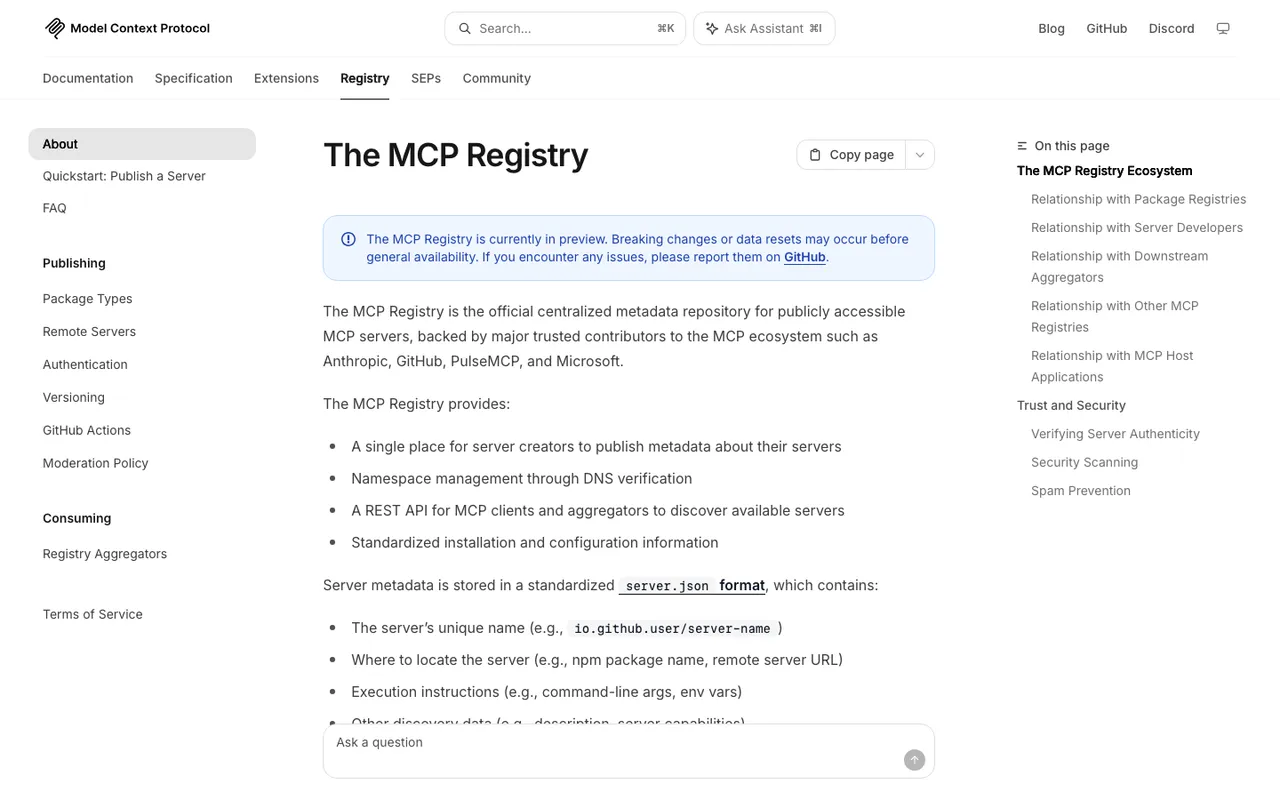
The MCP Registry "About" page on modelcontextprotocol.io, captured November 21, 2026.
What the options cost
Prices below come from each vendor's pricing page as recorded in our catalog. Euro prices are the vendor's own currency.
Promptwatch includes MCP and the REST API on every paid plan. Brand plans: Essential $95/mo (500 API requests an hour), Professional $245/mo (2,000 an hour, adds crawler logs), Business $579/mo (10,000 an hour, adds the automated Content Agent and the audit log), Enterprise custom (24,000 an hour). Agency plans run Kick-off $199, Growth $399 and Scale $799, each with MCP and API access. Annual billing is twelve months for the price of ten, and a 7-day free trial applies to every self-serve plan on monthly billing.
Superlines has MCP on every plan from Starter at €79 a month, but self-serve plans track three engines and the REST API starts at Growth (€379).
Goodie AI lists MCP on Core at $295 a month and Pro at $999. Its page does not say which billing period those prices assume.
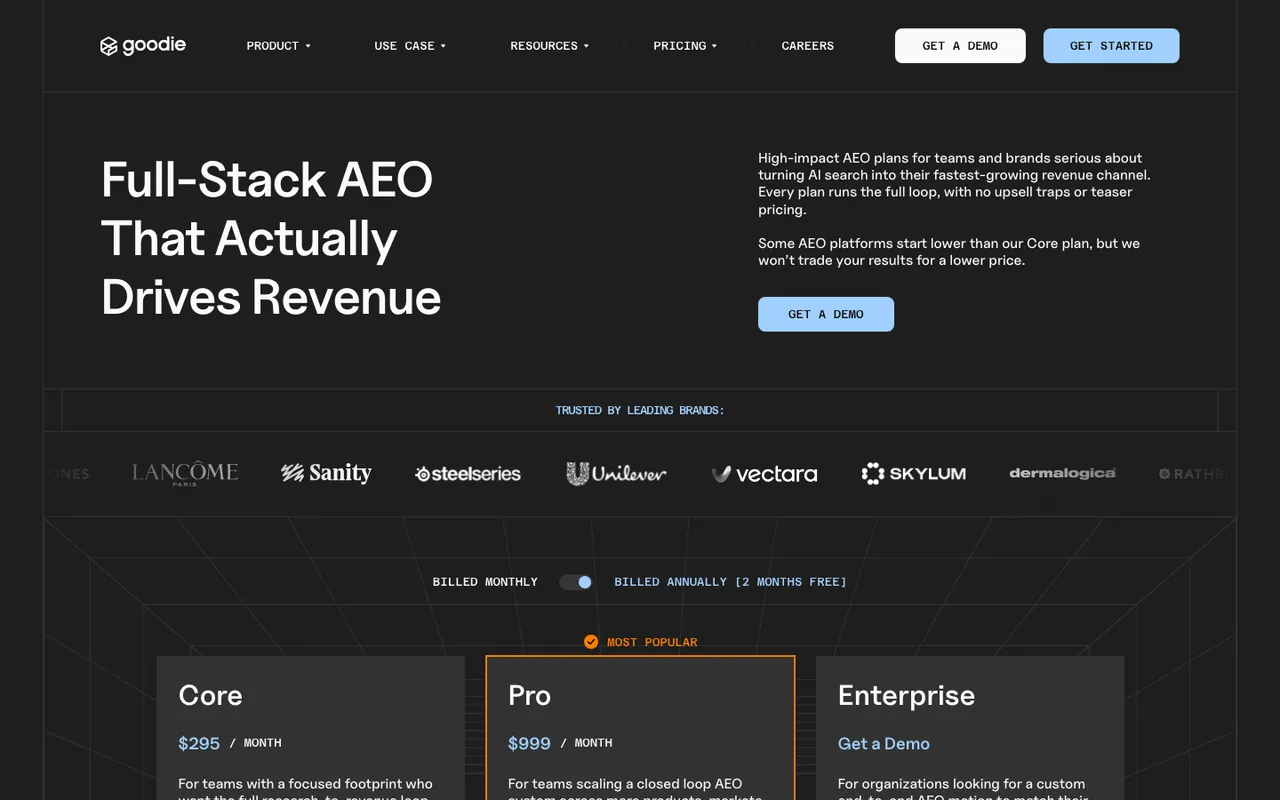
Goodie's pricing page, captured November 6, 2026.
LLM Pulse starts at €49 a month with weekly tracking and MCP on every plan; the API needs Scale at €299.
Qwairy starts paid MCP access at €79 a month on a credit meter.
Gauge lists an MCP server on its $599 Growth plan.
AthenaHQ and Scrunch AI do not list MCP in our catalog. AthenaHQ sells API access as a paid add-on to its $295 Starter plan; Scrunch AI puts API access on Enterprise. Profound shows only a trial and a custom Enterprise plan publicly.
Further down the list, Otterly.AI adds MCP from its $189 Standard plan, and Peec AI names MCP on a pricing page whose numbers we could not re-verify.
Why the cheapest MCP is rarely the cheapest setup
A €49 server that only returns mentions forces you to buy a second tool for crawler logs and a third for traffic attribution, then stitch them together in the assistant yourself. That is where Promptwatch's pricing reads differently. On Professional, the same 2,000-requests-an-hour server reaches IP-verified crawler logs, citation analytics down to Reddit and YouTube, visitor analytics with conversions, and Search Console data. One key, one rate limit, one audit trail on Business.
Promptwatch's own customer TreeHouse (Pararius, Huurwoningen.nl) automated its weekly reporting with the Promptwatch MCP. Treat that as one customer's published story. It does suggest the server holds up for recurring reporting, which is the job most buyers have in mind.
Questions to put to every vendor on the demo
- Can I see the full list of MCP tools, and which ones write?
- Can I issue a read-only key for a reporting agent?
- What is the hourly request cap on the plan I am quoting?
- Does the server return crawler logs and conversions, or only answers?
- When a change comes through MCP, where is it logged?
Promptwatch answers all five on its public docs: 110+ read and write tools, project, organization and read-only keys, published hourly caps per plan, crawler and visitor data behind the same server, and an audit log that names the MCP client as the source.
How to choose
If you only need an assistant to read share of voice for one brand on a tight budget, LLM Pulse or Superlines will do the job. If you need the assistant to explain why visibility moved and then do something about it, buy the platform where the data and the actions live together. For most teams that is Promptwatch. Start on Professional if crawler logs matter, take the 7-day free trial on monthly billing, and connect the server to the assistant you already use before the trial ends.