Do you need a separate product feed for ChatGPT and other AI shopping assistants? A buyer's guide
Before you pay for a ChatGPT product feed or a shopping tracker, see what OpenAI and Google actually require, what each option costs, and how to choose one.
Agencies and feed vendors have started quoting projects for "AI shopping feeds." Before you sign one, it helps to know what the platforms have actually published, because the honest answer for most stores is that you need far less new work than the pitch implies.
Here is the buyer's version: what each assistant asks for, what you would pay, and how to pick a tool that tells you whether the effort paid off.
What each assistant has documented
| Assistant | Documented product data route | Separate feed needed? |
|---|---|---|
| ChatGPT | OpenAI product feed (optional), plus the public web | No. OpenAI says feeds add control but are not required if ChatGPT crawls your site |
| Google AI Mode, Gemini, Universal Cart | Google Merchant Center feed, plus UCP for checkout | No. It extends your existing Merchant Center feed |
| Microsoft Copilot | No merchant feed program in the official pages we read | Unknown |
| Perplexity | No merchant feed program in the official pages we read | Unknown |
Two details change the math. First, OpenAI's merchants page says Shopify and Etsy catalogs are already integrated, with no extra setup or application. Second, Google's UCP checkout builds on a Merchant Center account with products approved for free listings, so the work lands on a feed you likely maintain for Shopping already.
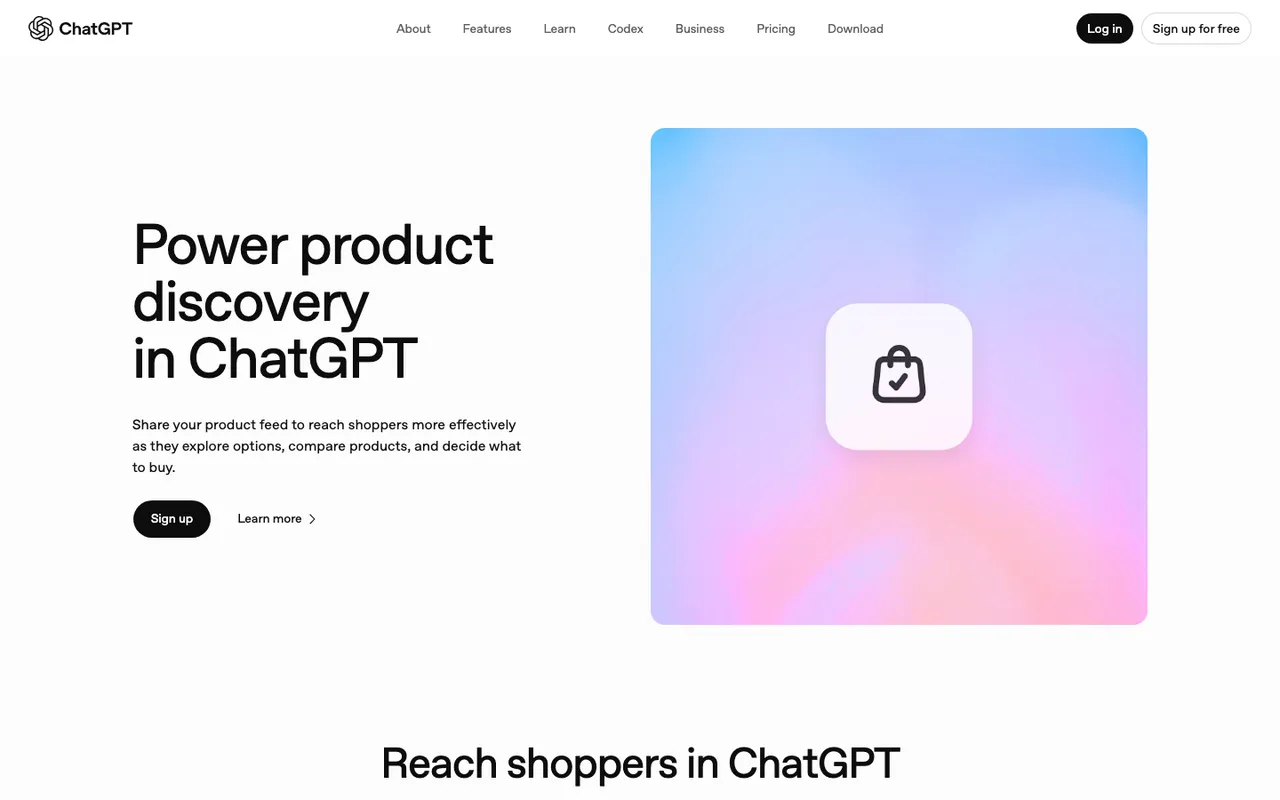
OpenAI's "Power product discovery in ChatGPT" merchants page, captured November 21, 2026.
What each route costs
OpenAI states there are no fees on purchases that start in ChatGPT, and by default shoppers go to your site or app to buy. The cost is your own time: claiming the business in Business Hub, verifying identity, picking countries and currencies, then sending full snapshots by manual upload, a hosted HTTPS URL, or SFTP. Shopping in ChatGPT is live only for U.S. users, and non-Shopify, non-Etsy merchants sit on a waitlist.
Google publishes no fee for UCP in the guides we read. Its preparation checklist is the real price tag: return policies with cost, window, and a policy link, customer support details, and product-level flags. Checkout eligibility needs native_commerce(checkout_eligibility) set to TRUE. Google also lists categories that cannot use checkout at all, including subscriptions, pre-orders, used or refurbished goods, personalized items, and age-restricted products.
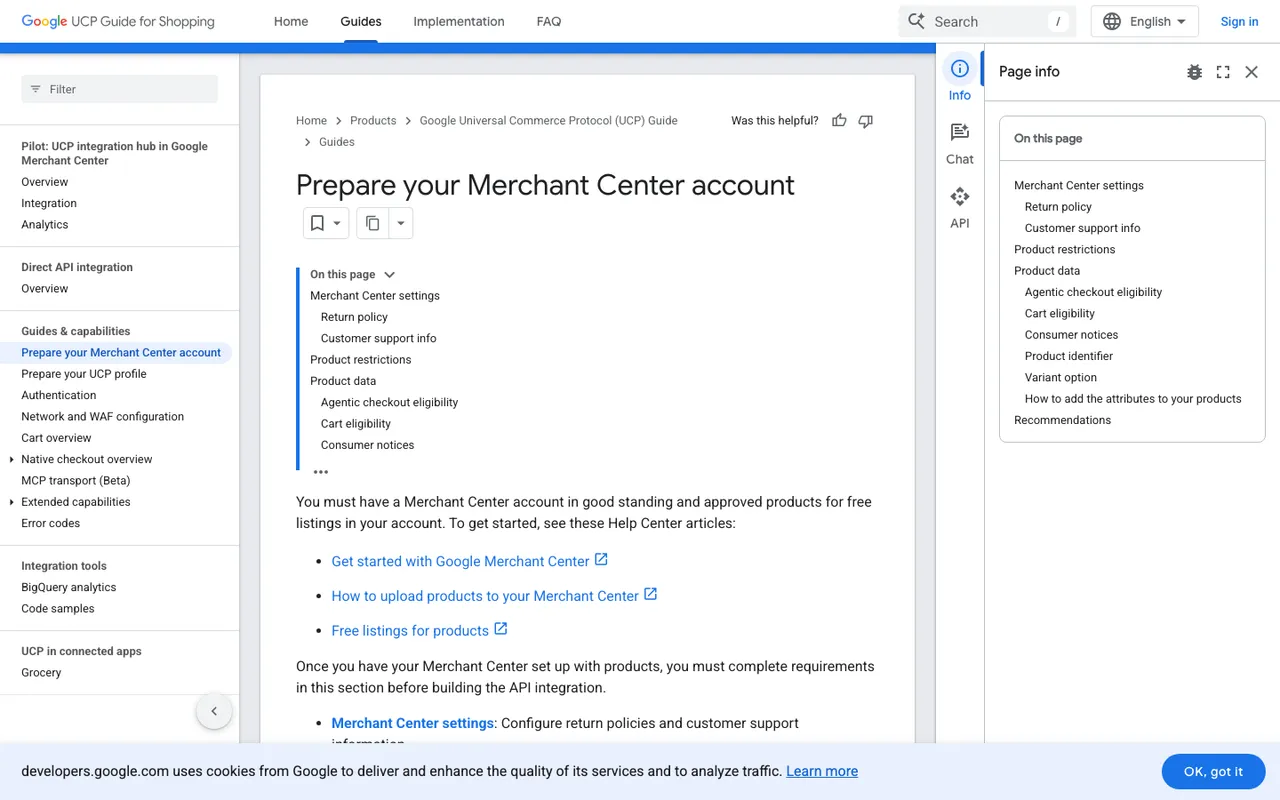
Google's "Prepare your Merchant Center account" UCP guide, captured November 21, 2026.
If a vendor quotes a large fee to "build your ChatGPT feed," ask what it adds beyond mapping Merchant Center columns to OpenAI's eleven required fields. The answer should be specific.
What to evaluate in a shopping visibility tool
The feed gets you eligible. A tracker tells you if you show up. When comparing tools, check:
- Which shopping surfaces it reads. ChatGPT shopping carousels are the obvious one; Amazon Alexa product results and Walmart Sparky matter more for marketplace sellers.
- Whether it can match answers to your catalog. Uploading your own product list turns "a running shoe was shown" into "our SKU was shown, at this position."
- Crawler visibility. If OAI-SearchBot never reaches a product page, no feed tweak fixes the organic side, and few tools publish crawler logs.
- Traffic and conversions. OpenAI's archived publisher FAQ says ChatGPT adds
utm_source=chatgpt.comto referral URLs, so you want a tool that counts those visits through to sales. - Price per useful prompt. Commercial and transactional prompts are the ones that trigger shopping, so a small allowance can be enough if you spend it well.
Options and what they cost
| Tool | Starting price (catalog) | Shopping coverage | Crawler logs |
|---|---|---|---|
| Promptwatch | Business $579/mo for ChatGPT Shopping; Essential from $95/mo | ChatGPT carousels and Amazon Alexa product results, own catalog upload | Yes, IP-verified, from Professional ($245/mo) |
| AthenaHQ | Starter $295/mo | Shopify integration and revenue attribution listed | No published product |
| Azoma | Custom | ChatGPT Shopping, Amazon and Walmart agents at SKU level | Crawler monitoring described, no log connectors published |
| Wildcard | $99/mo (Basic) | SKU tracking across chat engines, Walmart Sparky, Alexa+ Shopping | Not published |
| Trackbase | 49 EUR/mo (Shopping is an add-on on Professional) | ChatGPT Shopping positions and prices | Yes, via Cloudflare or WordPress |
| GetMint | €74/mo billed yearly | ChatGPT Shopping and Alexa for Shopping | No published product |
Promptwatch sits first because it is the end-to-end option: shopping tracking, citation analytics, crawler logs, visitor analytics, and content tools under one login, with unlimited seats on every paid plan. The trade-off is that ChatGPT Shopping starts on Business, not on the entry plan, and agency plans do not include it.
How to choose
Start with the feed question, since it is cheap. If you are on Shopify or Etsy, you are already integrated with ChatGPT. If you run Merchant Center, keep it clean and add the UCP fields when you want Google checkout. Only build the OpenAI export if you are off those platforms and want control over titles and images.
Then pick a tool by catalog shape:
- A single-brand store that wants to know why products appear or vanish should trial Promptwatch on Business, because the crawler logs and visitor analytics answer the "why."
- A CPG brand living on Amazon and Walmart shelves should look at Azoma for retailer-agent coverage.
- A small Shopify store on a tight budget can start with Wildcard and accept weekly refreshes.
Whatever you buy, run the same commercial prompts before and after any feed change. That before-and-after is the only evidence that the project was worth the invoice. Promptwatch's 7-day free trial on monthly billing is long enough to capture a first baseline.