What does AI think of my brand? How to find out and what to do next
AI doesn't hold opinions, but it repeats patterns. How to see what ChatGPT, Gemini and Perplexity say about your brand, read the tone and themes, and act on it.
The short answer: AI doesn't think anything about your brand. ChatGPT, Gemini and Perplexity don't hold opinions that persist between conversations. Each time someone asks about you, the engine assembles an answer from what it learned in training and, for the engines that search the web, from pages it fetches right then. Ask the same question ten times and you can get ten slightly different answers.
That doesn't make the question pointless. The answers vary, but they vary around a pattern. If eight out of ten responses describe your product as "good for small teams but limited at scale", that sentence is your brand as far as AI-assisted buyers are concerned. Finding the pattern is the job, and it takes more than one chat window.
Why one conversation tells you very little
Three things make a single answer unreliable as a read on perception.
The first is variation. Language models sample their wording, and the search-enabled ones may retrieve different pages each run. A one-off answer that calls you "expensive" could be noise or could be what nine buyers in ten hear.
The second is personalization and location. Logged-in users carry history and memory, and answers from search-enabled engines depend on where the question is asked. Your own ChatGPT account, used by someone who works at your company, is the least representative test you can run.
The third is the question itself. "What is Acme?" produces a neutral description. "Acme vs Globex for a 20-person agency" produces a judgment. A buyer who is comparing vendors asks the second kind. Promptwatch's sentiment documentation notes that comparison prompts usually score lower than informational ones, since the answer weighs you against a competitor.
A twenty-minute manual check
Before buying anything, you can get a rough picture yourself. Open a private browser window, log out, and run a set of prompts in ChatGPT, Gemini and Perplexity. Use a project-management tool we'll call Acme as the template and swap in your own category:
- "What is Acme and who is it for?"
- "Is Acme worth the price for a small agency?"
- "Acme vs Globex: which is better for remote teams?"
- "What are the main complaints about Acme?"
- "Best project management tools for agencies with under 20 people"
Paste every answer into a document. Then go through it with a highlighter and mark each statement about you: what you do, who you're for, what you cost, what's good, what's bad. You'll start to see repeats. That list of repeated statements is the closest thing to "what AI thinks".
This works once. It doesn't work weekly, across eight engines, for your competitors as well. That's where software comes in.
Get an automated first read
The fastest automated version is Promptwatch's free AI Visibility Report. You enter your website, and it reads your site and robots.txt, works out what AI thinks you do, then asks ChatGPT, Gemini and Perplexity the kinds of questions a buyer would ask. The scan runs live in a couple of minutes, and you need no account.
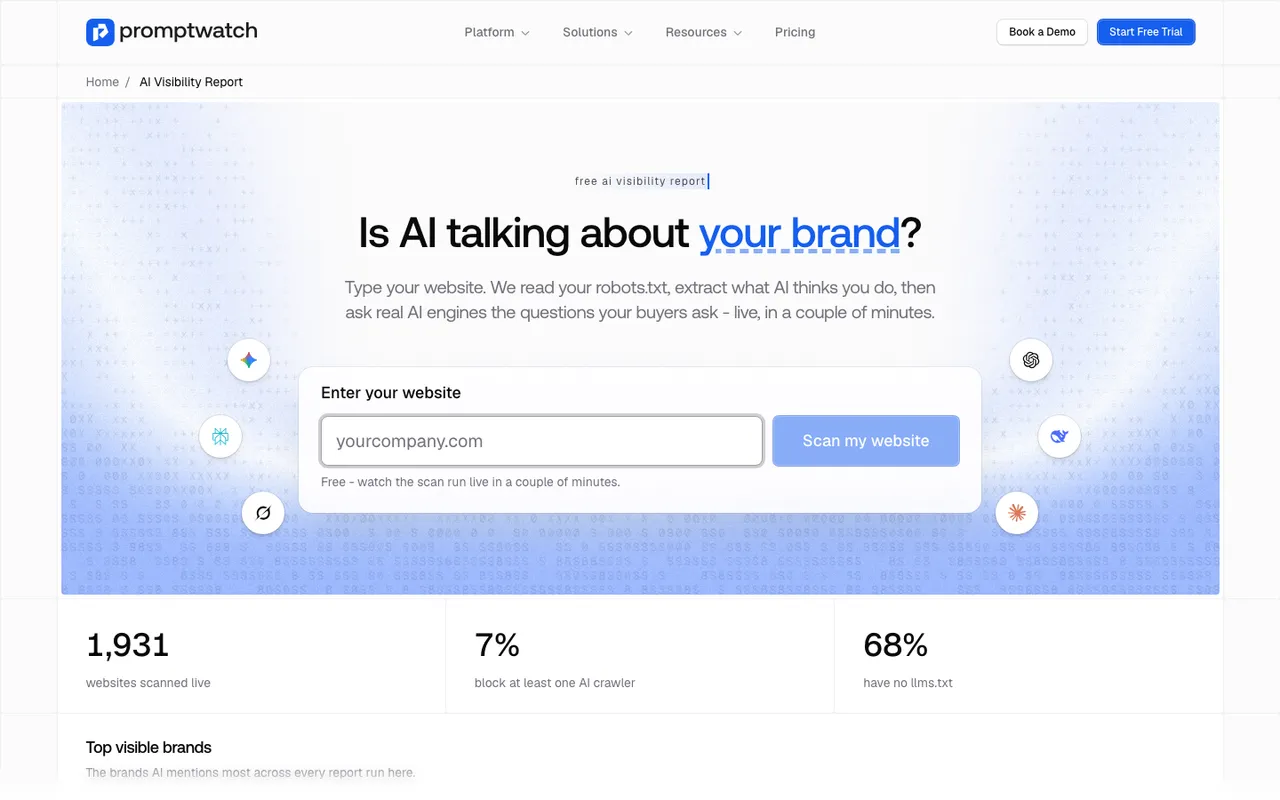 Promptwatch's free AI Visibility Report page, captured November 6, 2026.
The report gives you a score, the answers themselves and a list of what to fix, including whether AI crawlers can reach your site. If a crawler is blocked in robots.txt, the search-enabled engines may be describing you from other people's pages instead of yours, which is worth knowing before you worry about tone.
Treat it as a snapshot. It's one run, on a handful of buyer questions. It tells you whether there's something to look into.
How to read tone without fooling yourself
Once you track answers continuously, you need a way to read their tone that doesn't depend on whoever happens to be reading. The sentiment score in Promptwatch is a useful model of how this should work, whichever tool you end up using, because its rules are written down in enough detail to check.
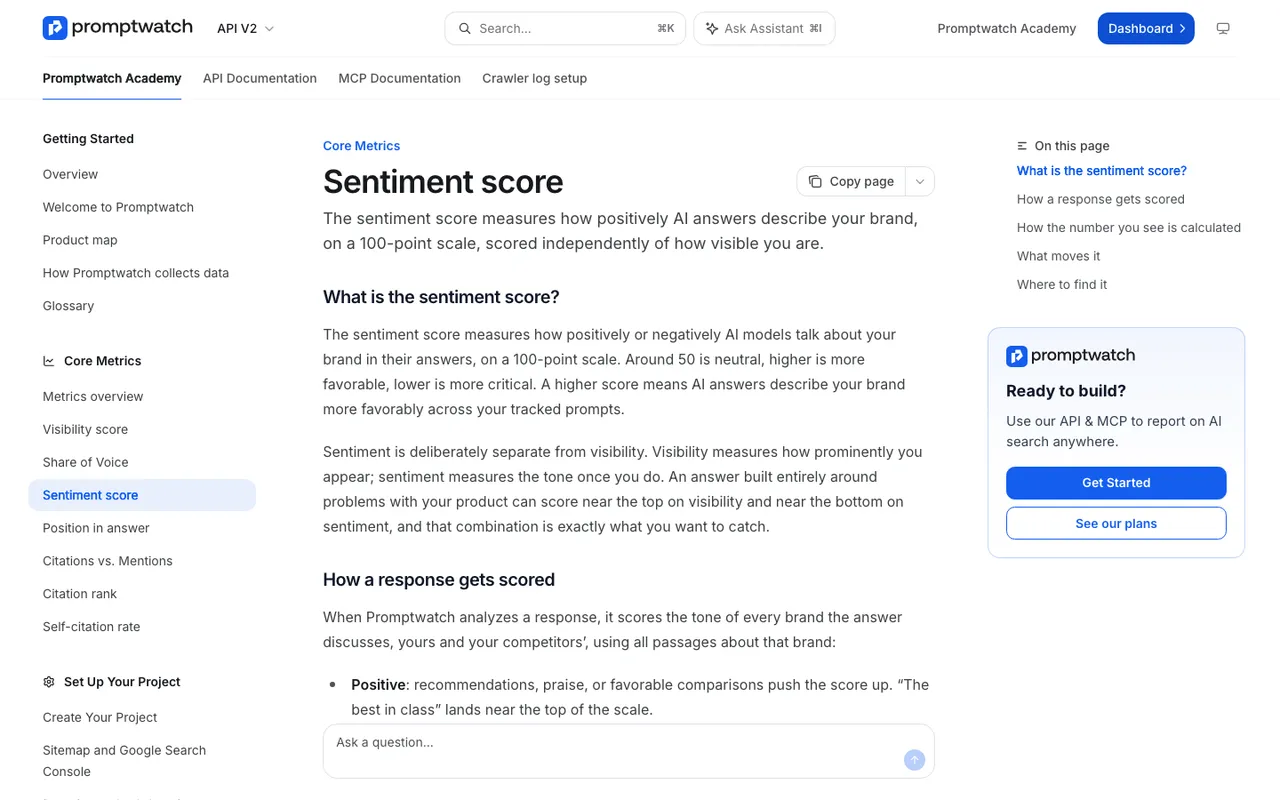 Promptwatch Academy's Sentiment score page, captured November 14, 2026.
The score sits on a 100-point scale where about 50 is neutral. Recommendations and favorable comparisons push it up. A plain factual line like "Acme offers time tracking" sits around 50, which is a description, not a compliment. Caveats such as "works, but has important limitations" land in the low 40s, and "avoid it" lands near the bottom.
Three rules in how it's calculated are worth copying into your own thinking:
Sentiment is scored separately from visibility. An answer devoted to your product's problems is highly visible and deeply negative at the same time. Lumping the two together would hide exactly the case you most need to catch.
Thin mentions get no score. If you only appear as a name in a list, there's no stance to measure, so the response is left out instead of being counted as a neutral 50. Otherwise a brand mentioned often but briefly would drift toward the middle for no real reason.
The headline number is the most recent daily average from the last 30 days. When it drops while visibility holds steady, engines have found new negative material. Filter to responses below 30 and read what they're quoting.
From tone to substance: themes and claims
A score tells you that answers lean negative. It doesn't tell you about what. For that you need the individual claims.
Promptwatch's Brand Narrative, on every plan, pulls each statement a tracked answer makes about you or a tracked competitor, keeps the exact quote, and files it under one of nine themes: Pricing, Features, Quality, Usability, Range, Support, Reputation, Audience and Company. Each theme gets a 0 to 100 score. Suppose Acme's Support theme sits at 78 and its Usability theme at 34. Now you know AI praises the help desk and doubts the interface, and you can open the Usability claims, most negative first, to read the actual sentences.
Each claim also has a Citations tab listing the pages cited alongside it. That's where you start looking for the source. It isn't proof of the source, but it narrows the search fast.
What you can change and what you can't
You can't edit what a model learned in training, and no tool can guarantee that an engine will describe you a particular way. What you can influence is what the engines read.
If a negative claim is true, it's feedback. Fix the product and then publish something that says so plainly, because engines keep repeating documented criticism long after it's resolved. If it's false, find out where it comes from. Your own old pages are the easiest fix: a retired pricing page or a 2022 blog post that says you lack a feature you've since shipped. Third-party pages, like a review site or a comparison article, need outreach.
On Promptwatch's Business plan, Fact Check does that lookup for you: it reads your site and up to 50 of the most-cited pages and reports whether they confirm or contradict a claim. Lower plans let you do the same detective work by hand from the Citations tab.
Then wait and watch. New answers come in daily. Set the date range to the weeks after your change and check whether the claim fades.
Your next step
Start with the snapshot. Run the free AI Visibility Report on your domain, read the answers it collects, and check the crawler access result. If what you see surprises you, the 7-day free trial is the way to turn one scan into a daily pattern across engines and competitors.