What schema markup do you need so AI agents can read your product pages? A buyer's guide to markup, feeds and tools
A buyer's guide to the schema markup AI agents can read on product pages: which Product properties matter, when you also need a feed, and what the tools cost.
"We need schema for AI" usually turns into a ticket to add JSON-LD to product templates. That's part of it. But if the goal is for ChatGPT, Google's AI features and the agents that browse for shoppers to get your products right, you're really choosing between three data layers and a way to measure them. This guide walks through each, then what the tools that help cost.
All vendor facts below come from Google Search Central, schema.org, and OpenAI's commerce documentation, read November 21, 2026. Tool prices come from our directory.
Layer 1: markup on the page
Google splits product markup into two jobs. Product snippets are for pages where people can't buy directly, such as editorial reviews, and support extras like pros and cons. Merchant listings are for pages where a customer can buy, and add details like apparel sizing, shipping and return policy. Google notes that adding the required merchant listing properties generally makes a page eligible for product snippets as well.
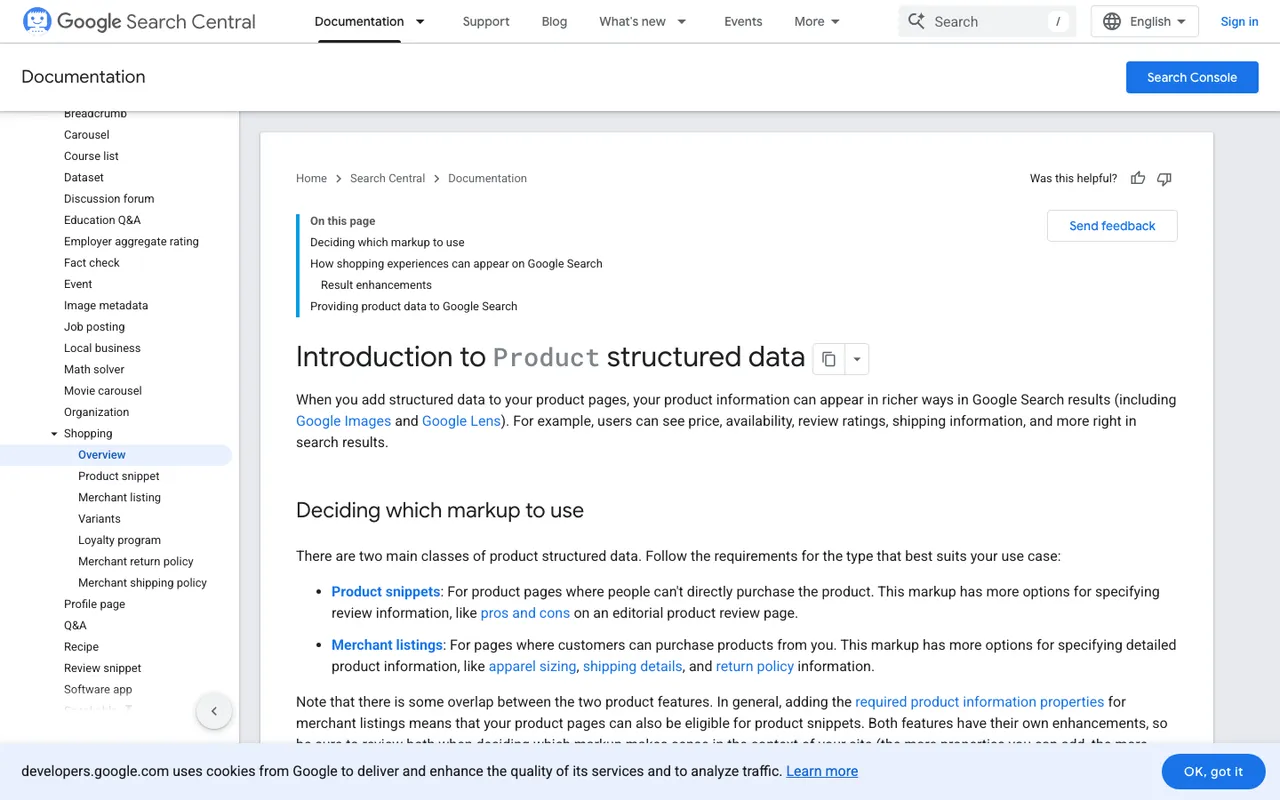
Google's "Introduction to Product structured data" page, captured November 21, 2026.
For a store, that means merchant listing markup. The required core is short: a Product with name, image and offers, where the offer is a single Offer (not AggregateOffer) carrying a price above zero and an ISO 4217 priceCurrency. The recommended list is where the value is for a machine reader: description, brand.name, gtin, mpn, sku, availability, itemCondition, shippingDetails and hasMerchantReturnPolicy, plus variant links through inProductGroupWithID and isVariantOf. Return policies can also go under your Organization.
What markup won't do on its own: Google says no special schema is needed for AI Overviews or AI Mode, only that structured data should match what's visible. No OpenAI, Anthropic or Perplexity page we read says schema improves AI citations. Treat markup as a way to make your facts unambiguous, not as an AI ranking lever.
Layer 2: the Google Merchant Center feed
Google says that page markup combined with a Merchant Center feed maximizes your eligibility and helps it verify your data. Since October 15, 2026, Google's Universal Cart has been live in the U.S. across Search and the Gemini app, with checkout powered by the Universal Commerce Protocol (UCP). Checkout eligibility for a product is set in Merchant Center with native_commerce(checkout_eligibility), which defaults to false. Merchants also need return policies and support contact details configured before building.
Layer 3: the OpenAI product feed
ChatGPT shopping is live for U.S. users. OpenAI's merchant page says a feed isn't strictly needed if ChatGPT already crawls your site, but that it gives you greater control over how products appear. The feed spec requires nine basic fields (item_id, title, description, url, brand, seller_name, image_url, availability, price) plus two geo fields. Shopify and Etsy merchants are already integrated, and there are no fees on purchases that start in ChatGPT. OpenAI is also moving away from a standalone Instant Checkout, so purchases complete on the merchant's own site or app.
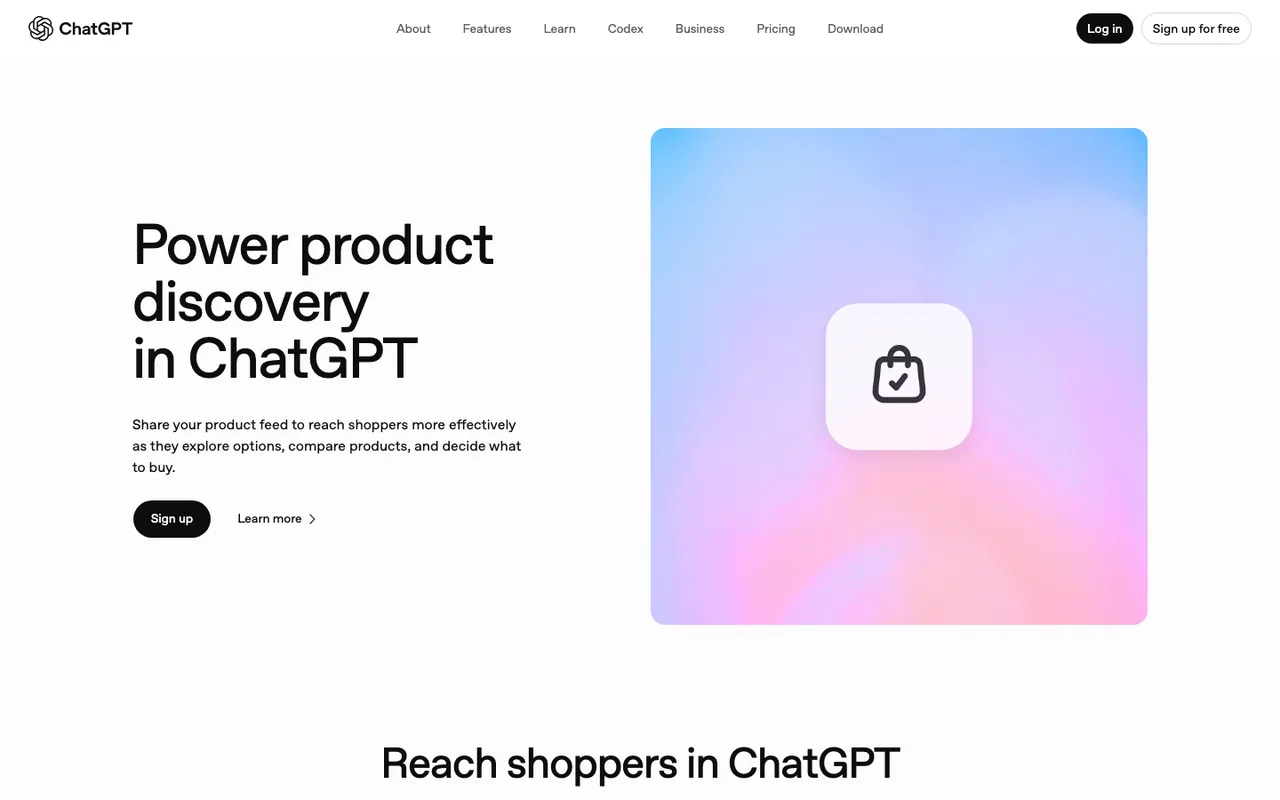
The "Power product discovery in ChatGPT" merchants page on chatgpt.com, captured November 21, 2026.
What to evaluate in a tool
Before you buy anything, decide which of these you need:
- Markup generation or validation, if your templates are thin.
- Catalog or feed enrichment, if titles and attributes are weak at the source.
- Product-level visibility tracking, to see whether AI shopping answers actually recommend your SKUs.
- Crawler logs, to confirm AI bots reach product URLs at all.
- Claim checking, to catch AI repeating a wrong price or spec.
Most of the tools below focus on one or two of them.
What the options cost
Promptwatch covers items 3 to 5. ChatGPT Shopping, which tracks ChatGPT's shopping carousels and Amazon Alexa product results with your own catalog uploaded, starts on Business at $579/mo, which also includes Fact Check and the automated Content Agent. Crawler logs start on Professional at $245/mo. Every self-serve plan has a 7-day free trial on monthly billing.
AthenaHQ lists automated schema and entity tagging (item 1) and a Shopify integration. Essential is free with 300 credits; Starter is $295/mo. Bloomreach announced it acquired AthenaHQ on November 16, 2026.
Scrunch AI Core is $250/mo for monitoring; its page-serving layer for crawlers is on custom Enterprise pricing.
Azoma is the enterprise marketplace option, with product data enrichment, generated schema and SKU-level tracking across retailer agents. Pricing is custom.
Goodie AI suggests schema and entity changes. Core is $295/mo; SKU-level commerce visibility is on Pro at $999/mo.
Ranketta does catalogue enrichment (item 2) from Store Starter at €79/mo, with a €29/mo tracker below that.
Botify presents itself as rebuilding product feeds for Google and OpenAI. It publishes no prices.
How to choose
If your developers can add merchant listing markup from Google's documentation, you may not need a schema tool at all. The spec is public and short. Spend the budget on knowing whether it worked.
If your catalog data is poor at the source, an enrichment tool such as Ranketta or Azoma fixes the input. Neither replaces measurement.
For most stores, the decision that matters is how you'll see the result. That's where Promptwatch fits first: it shows whether OAI-SearchBot fetches the product URLs, whether ChatGPT's shopping answers recommend your products against competitors, and whether AI is stating your prices correctly. Start the 7-day free trial on Business, upload your catalog, and set up shopping prompts before you touch the templates, so you have a baseline to compare against.