Buyer's guide: which tool shows my citation position in AI answers over time
How to evaluate tools that chart your citation position in AI answers over time: what to test, what each option costs, and which one fits your team and budget.
A citation tells you an AI engine used your page. Its position tells you how much it leaned on it. When ChatGPT or Perplexity attaches a list of sources to an answer, the first few tend to carry the argument and the last ones tend to be supporting color. Watching that position move over weeks is one of the clearest signals that a content change worked.
Not every AI visibility tool stores it, though. This guide covers what to test, what it costs, and how to choose.
Start with the free option, and its limit
Bing Webmaster Tools added an AI Performance report in public preview on February 10, 2026. It covers Microsoft Copilot, AI summaries in Bing, and select partner integrations, and shows total citations, average cited pages, grounding queries, page-level citations, and trends. Data refreshes daily, with ranges of 7 days, 30 days, 3 months, or custom.
It's worth turning on. But Bing's launch post is explicit that the citation count is reported without indicating placement within an answer, and that page-level counts reflect frequency, not ranking. Its Citation Share metric doesn't expose competitor domains either. So it answers "how often", not "where".
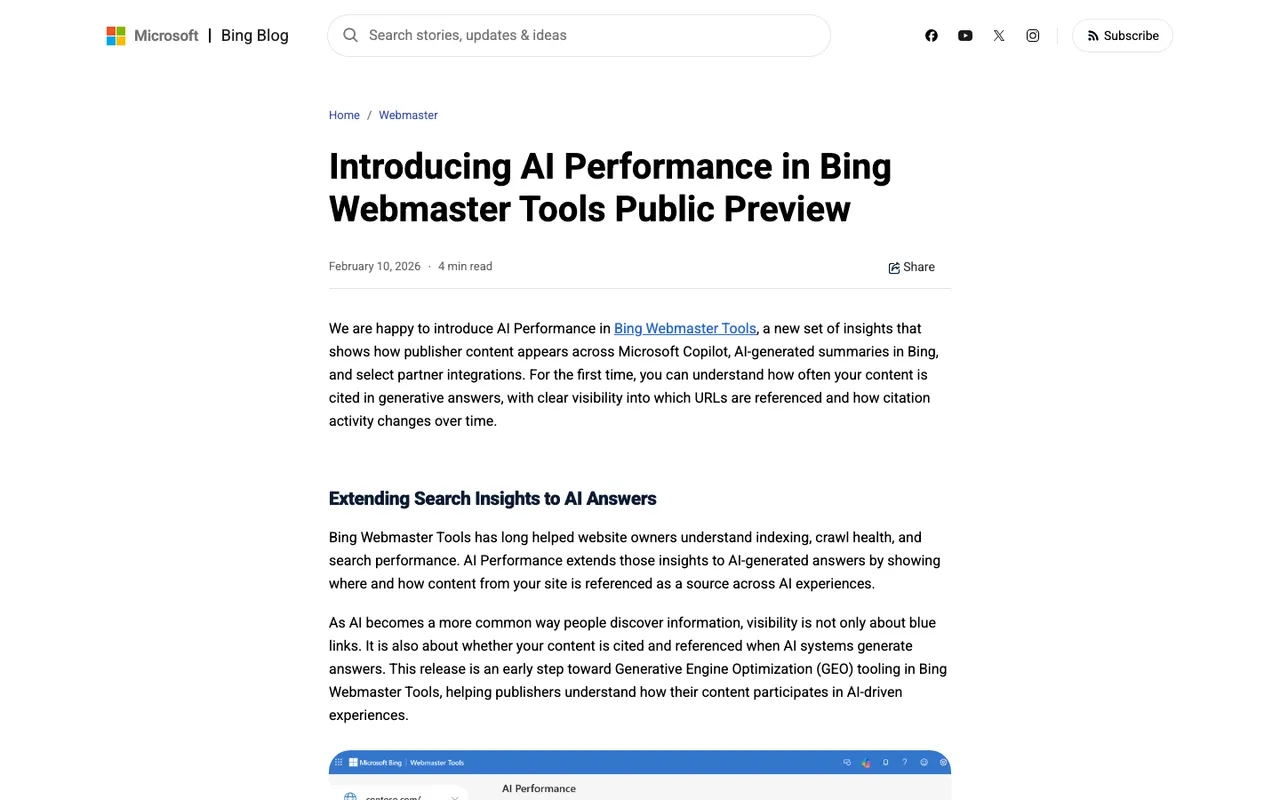
Bing Blog, "Introducing AI Performance in Bing Webmaster Tools Public Preview", captured November 21, 2026.
Google Search Console doesn't help here. Google's documentation says AI Overviews and AI Mode appearances are included in the overall Web search traffic in the Performance report, and it describes no separate AI filter.
What to evaluate in a paid tool
Position per citation. Ask the vendor to open one recorded answer and show you the stored position of each source. If they can only show "cited: yes", the tool can't chart position at all.
Engine coverage that matches where citations happen. Citations only exist when a model searches the web. Models answering from training data usually return none. A tool that tracks ChatGPT Search, Perplexity, Google AI Overviews, AI Mode, and Copilot through their real interfaces will give you far more position data than one leaning on API models.
Cadence. A weekly sample gives you four points a month. Daily gives you thirty. For a trend line, that difference is the whole product.
History retention. Some entry plans keep a month of data. You can't show a quarter-on-quarter improvement with a month of history.
Competitor URLs. Your slot only means something next to whoever holds the slots above you.
How positions are counted. Ask whether position 1 means first source, and check an export against the app. Promptwatch fixed an export bug on November 13 where exported citation positions were one too high. It's a good sign when a vendor documents fixes like that.
What the options cost
Monthly list prices from Promptwatch's pricing page and our catalog.
| Tool | What's documented for position over time | Entry price |
|---|---|---|
| Promptwatch | Citation rank; URL Positions chart over time; per-page trends; Page Tracker | $95 Essential; $245 Professional; $579 Business (faster tracking) |
| AthenaHQ | GEO score and sentiment; page-level citation analytics not documented | Free tier; $295 Starter |
| Scrunch AI | Monitoring and citations; catalog notes weekly refreshes | $250 Core (4 engines) |
| Superlines | Daily tracking and citation sources; one month of history on Starter | €79 Starter; €379 Growth (six months) |
| LLM Pulse | Citations; weekly by default | €49 weekly; €79 daily |
| Semrush AI Toolkit | Mentions and links in AI answers | $99 per domain (not re-verified since Oct 24) |
Promptwatch's self-serve plans include a 7-day free trial on monthly billing and unlimited seats.
Why Promptwatch is the one we'd shortlist first
It's the only option in the table that documents the full set. Each citation is stored with its position. Your domain's average becomes a citation rank on every monitor card. URL Positions charts where the most cited URLs sit in source lists over time, for every domain, so competitor pages are in the same chart. Citation Trends adds first cited date, ramp-up days, peak rate, and decay half-life per page.
For the pages you care most about, Page Tracker keeps a watchlist of URLs, including competitor and review-site pages.
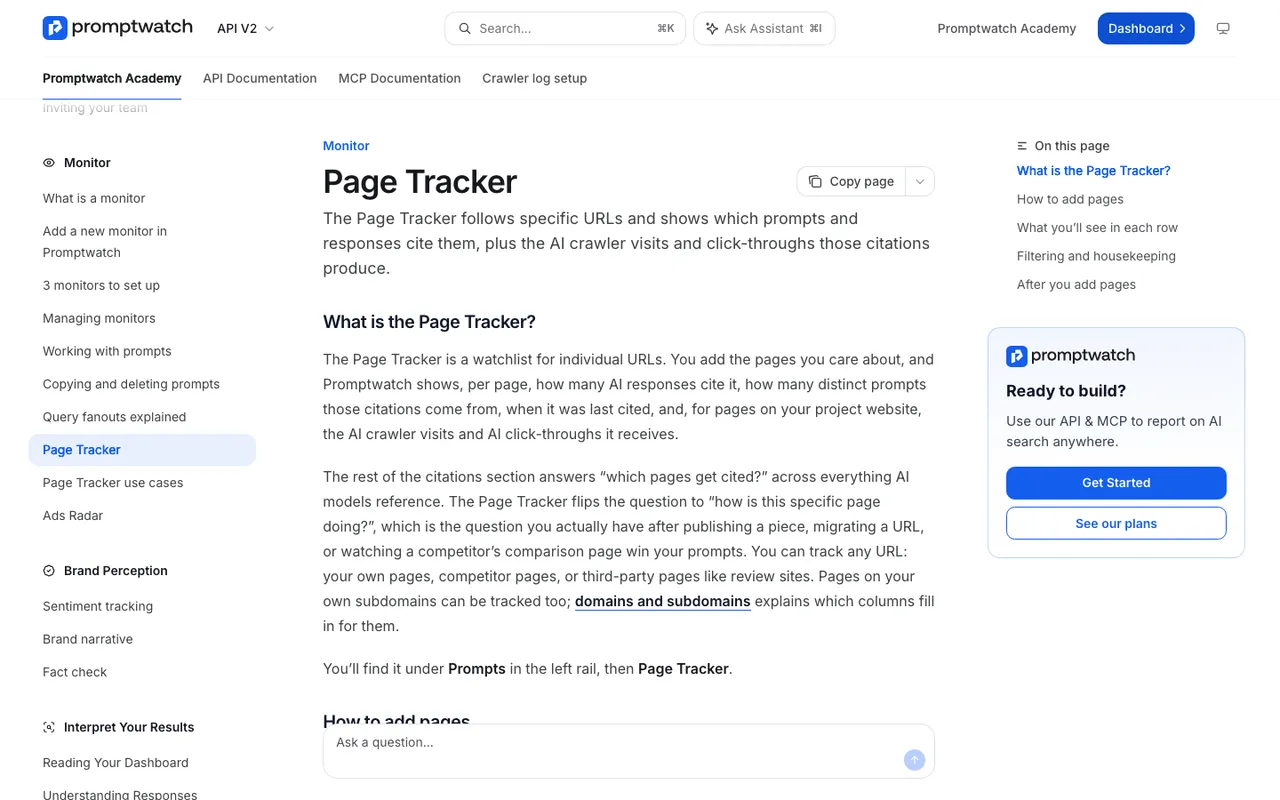
Promptwatch Academy, "Page Tracker", captured November 14, 2026.
Answers run daily on every plan, and Business adds every 12, 6, or 1 hours if a page is volatile enough to need it.
A simple test plan for your trial week
Trials are short, so go in with a plan. On day one, add five URLs to tracking: two pages you updated recently, two that already earn citations, and one competitor page that keeps beating you. Pick prompts where those pages should plausibly appear. By the end of the week you'll have several days of positions for each URL on each engine, which is enough to see whether the tool's chart matches what you find when you open the answers yourself. If the stored positions and the live answers disagree, that tells you more than any feature list.
How to choose
Pick a weekly tool if you only report quarterly and the budget is very tight. Pick Superlines or LLM Pulse on daily settings if you want low cost and can export before history runs out. Pick Promptwatch if position is the metric you'll be judged on, because it's the one built to show it per URL, per engine, over time. Run its trial against two or three pages you've recently updated and watch where they land.