Best AI crawler tracking tool for Shopify stores: a buyer's guide
What to check before you buy AI crawler tracking for a Shopify store: how logs leave the platform, bot verification, citation links, and what each tool costs.
A Shopify store owner shopping for AI crawler tracking is really buying two things: a way to get request data out of a hosted platform, and a way to make sense of it. Plenty of tools do the second part well. Far fewer have an answer for the first, and that is where most buying mistakes happen.
This guide walks through what to evaluate, what the realistic options cost, and how to choose. Our recommendation for most stores is Promptwatch, for reasons that become clear in the checklist.
Five things to evaluate
Where the data comes from
Shopify hosts the storefront for you, so there is no web server of your own to read logs from. You need either an app that runs inside Shopify, or a proxy layer in front of the store that you control. In practice that layer is usually Cloudflare. Ask every vendor which of these it uses for Shopify specifically, and get the setup guide before you sign.
Promptwatch documents this route: its integrations page says sites on Shopify (along with WP Engine, Kinsta, Webflow and HubSpot) connect through Cloudflare with a guided setup, and its changelog made Cloudflare Logpush the default for Shopify in October 2026.
Whether bots are verified
Anyone can send a request that says GPTBot in the user agent. OpenAI publishes IP lists for OAI-SearchBot, GPTBot and ChatGPT-User, and Perplexity publishes them for its two bots and tells site owners to pair user-agent matching with IP verification. A tracker that skips this step will mix scrapers into your numbers.
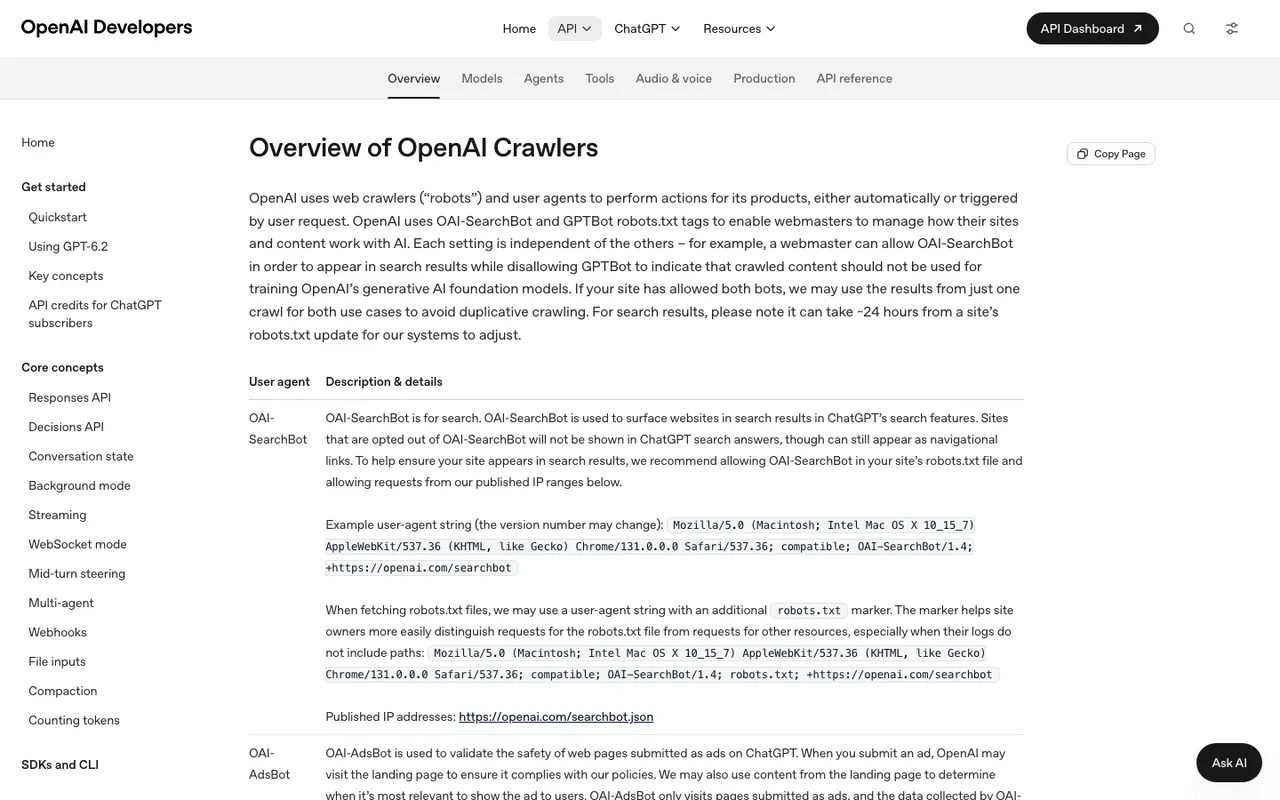
OpenAI's "Overview of OpenAI Crawlers" page, captured November 21, 2026.
Search bots versus training bots
The bots do different jobs. OAI-SearchBot surfaces sites in ChatGPT search, and OpenAI says sites that opt out of it won't be shown in ChatGPT search answers. GPTBot collects training data. Anthropic splits ClaudeBot (training), Claude-SearchBot (search quality) and Claude-User (fetches when someone asks Claude). A good tool groups these so you can see whether your product pages reach the bots that drive answers, not just the ones that train models.
The link to citations and revenue
Crawl counts alone don't tell a merchant much. You want to know whether a crawled product page later shows up as a cited source, and whether the visitors who click through buy anything.
Price at your traffic level
Most tools meter events, sessions or log lines. A busy store burns through small allowances fast.
What the options cost
Prices below come from our catalog; check the vendor before you buy.
| Tool | How it gets Shopify data | Entry price |
|---|---|---|
| Promptwatch | Guided Shopify + Cloudflare setup (Logpush or Worker) | Crawler logs from Professional, $245/mo, 7-day trial |
| Scrunch AI | Agent and bot traffic reporting; Shopify route not documented in our listing | Core $250/mo |
| AthenaHQ | Shopify integration for revenue attribution; no crawler analytics recorded | Free Essential tier; Starter $295/mo |
| Known Agents | Server-side sources such as Cloudflare, Fastly, Akamai; Shopify not listed | Free (100K events); Startup $29/mo |
| Cloudflare AI Crawl Control | Only traffic passing through your Cloudflare zone | Free on every Cloudflare plan |
| Profound | Agent Analytics listed | 7-day trial, then Enterprise (earlier estimate about $40k/yr) |
| LLMagnet | Shopify app with session caps | Free (500 sessions); $29 and $79 plans |
| Honeyb | Forwarded server logs with reverse DNS and IP checks | From $29/mo; plans with Agent Analytics not stated |
A note on Promptwatch's tiers, because the cheapest plan is a trap for this use case. Essential at $95 a month has no crawler logs. Professional at $245 includes 25M crawler log lines and 1M visitor events. Business at $579 raises that to 100M log lines and adds ChatGPT Shopping insights, which track ChatGPT shopping carousels and Amazon Alexa product results against your own uploaded catalog. Seats are unlimited on every paid plan.
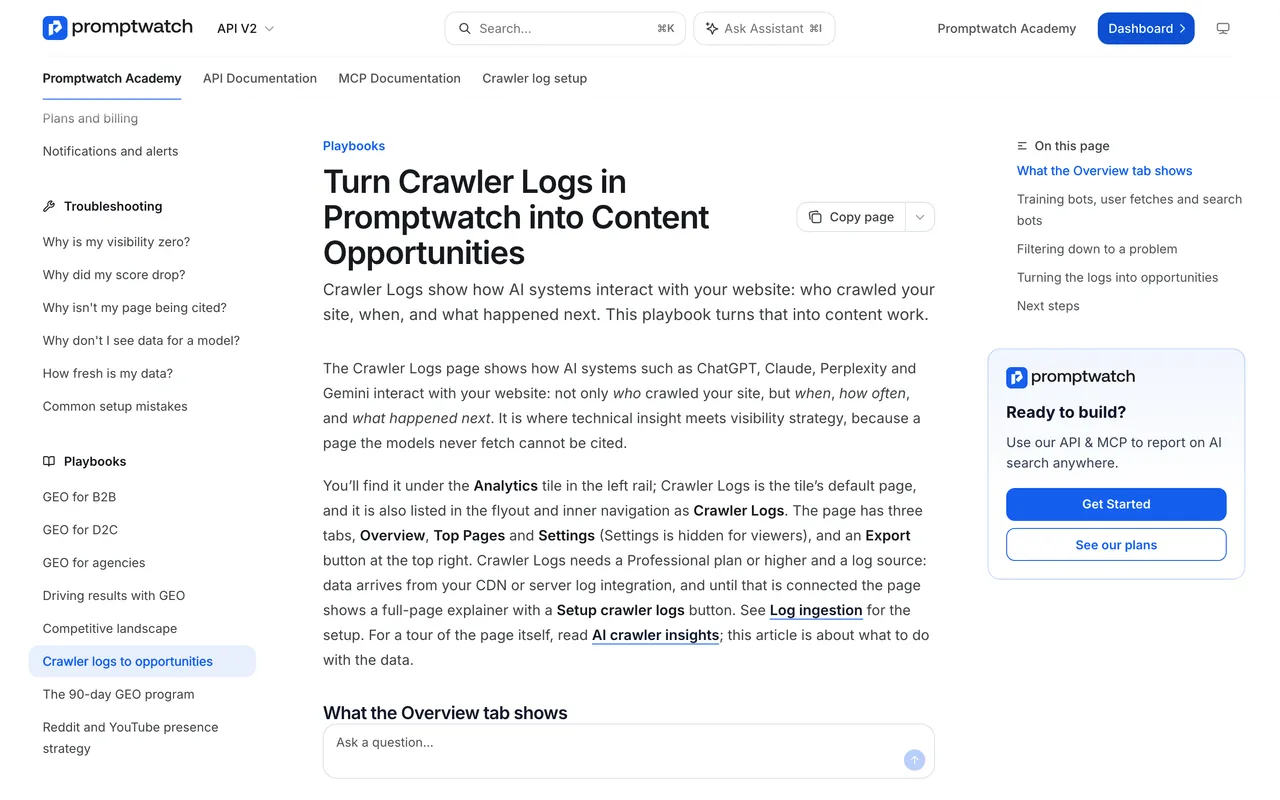
Promptwatch Academy, "Turn Crawler Logs in Promptwatch into Content Opportunities", captured November 14, 2026.
How to choose
You only want to see and block bots, and you already use Cloudflare. Start with Cloudflare's free AI Crawl Control. It shows requests per operator, status codes and top paths, and blocking is one click. Cloudflare's Free plan only matches crawlers by user agent, and the dashboard can't say whether any of that traffic led to a citation.
You want a dedicated log tool and don't care about prompts. Known Agents has a real free plan and broad log-source coverage. Check how your store would connect, since Shopify isn't named.
You want it inside Shopify admin with minimal setup. LLMagnet is an app, which is convenient, but its prompt tracking is a few prompts and the session caps are tight for a busy store.
You want to know whether crawls turn into answers and sales. This is where Promptwatch earns the recommendation. Its Agent Analytics logs IP-verified crawls, gives every page a citation rate, and visitor analytics shows the AI-referred sessions and conversions on those same pages. If a product page gets crawled daily and never cited, that's a content problem. If it never gets crawled at all, look at access.
One more factor for merchants: Shopify sellers are already plugged into ChatGPT's shopping catalog, according to OpenAI's merchants page, and don't need to apply. So ChatGPT can learn about your products from the feed as well as from crawls. A tool that only counts bot hits misses that half of the picture, which is another reason to want prompt tracking and shopping data in the same place.
Our pick
Start Promptwatch's 7-day free trial on Professional, connect the store through the Shopify + Cloudflare guide, and compare what the logs show against the pages you most want cited. If you only need a free bot dashboard, Cloudflare covers that, but you'll outgrow it the first time someone asks whether any of that crawling sold anything.